21
What Is My User Agent? - Free Online User Agent Finder (2025)
Instantly find your browser's user agent string with our free online tool. See what your browser, OS, and device are telling websites. Perfect for developers, IT support, and web debugging.
Have you ever been asked by an IT support specialist, "Can you please tell me your user agent?" For most people, this question is confusing. What is a user agent, and where do you even find it?
A User Agent (UA) is a string of text your web browser automatically sends to every single website you visit. Think of it as your browser's "digital ID card." It tells the website key information about your system, such as your browser, operating system, and device type, so the website can serve you the correct content (e.g., a mobile site vs. a desktop site).
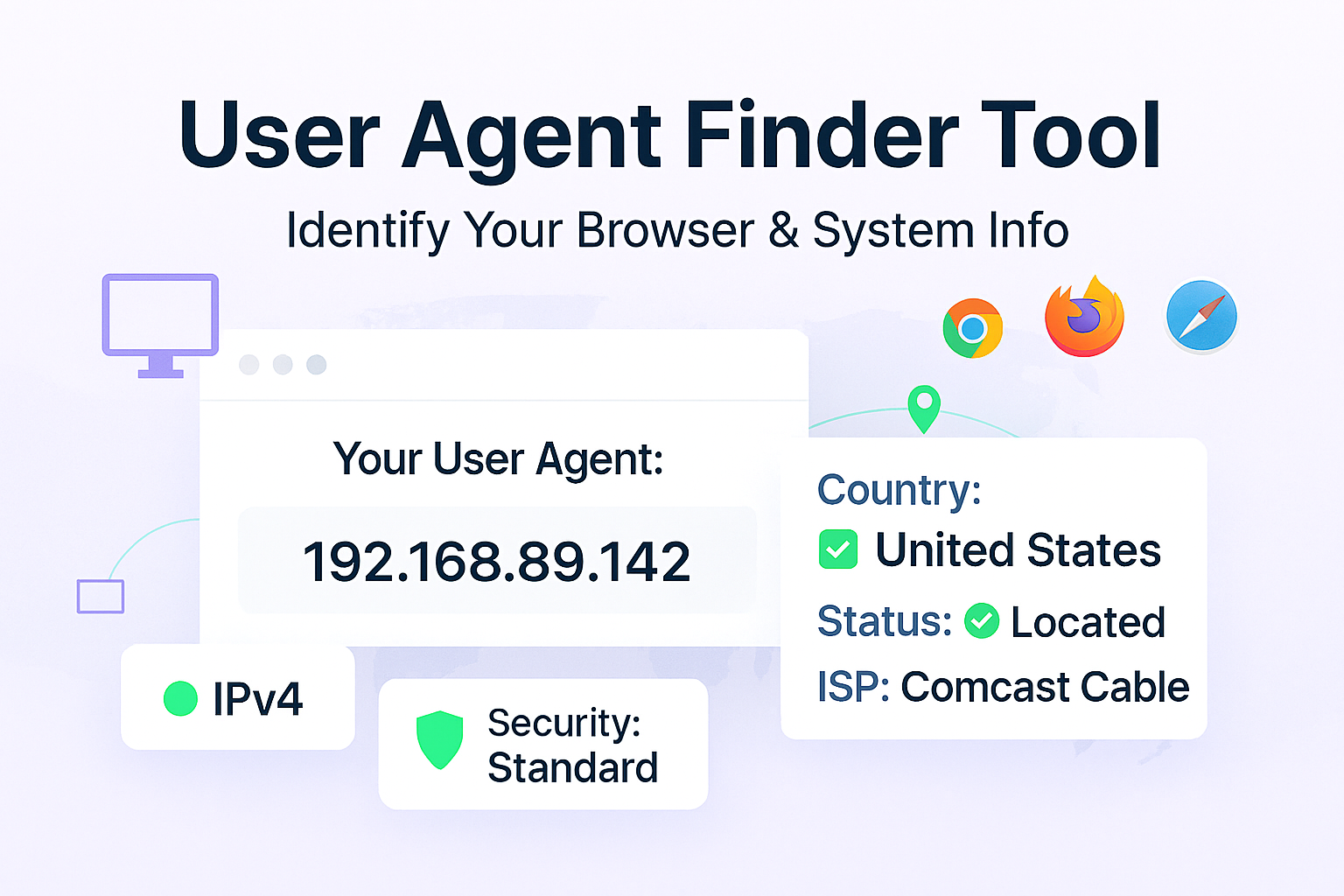
Our free User Agent Finder tool instantly detects and displays your user agent string. There are no steps to follow—your user agent is displayed the moment you load the page.
What is a User Agent? A Simple Definition
In short, a user agent is a line of text that acts as an identifier for your browser. When your browser (like Chrome, Firefox, or Safari) wants to load a webpage, it sends an HTTP request to the site's server. Included in that request is the User-Agent string.
This string helps the server answer a few basic questions:
- What browser are you using? (e.g., Chrome, Firefox, Edge)
- What is the browser's version? (e.g., Version 128.0)
- What operating system are you on? (e.g., Windows 11, macOS, Android)
- What kind of device is it? (e.g., mobile, desktop)
This is how a website knows to show you its mobile-optimized layout on your phone but the full desktop version on your laptop.
How to Use Our User Agent Finder Tool
Our tool is designed to be as fast as possible. In fact, you barely have to do anything.
- Step 1: Navigate to our free User Agent Finder tool.
- Step 2: That's it. The tool will instantly parse your browser's request and display your complete user agent string in a text box.
- Step 3: You can easily copy the string with a single click to paste it into a support ticket, email, or your own development project.
Why Do You Need to Know Your User Agent?
While most internet users will never need to see their UA string, it is a critical piece of information for many technical tasks.
- For IT & Support: If you're having trouble with a website, a support tech will often ask for your user agent to replicate the exact browsing environment you're in.
- For Web Developers: Developers use the user agent to debug issues. If a feature works on Chrome but not on Firefox, checking the user agent is the first step to finding out why. It's also used to test how a site will serve content to different devices.
- For SEO & Web Crawlers: Search engine bots (like Googlebot) have their own user agent strings. Webmasters use these strings in their robots.txt file to tell specific bots which parts of their site they are allowed to crawl.
Breaking Down a User Agent String: An Example
User agent strings can look long and confusing. Let's break down a common example from a Chrome browser on a Windows computer:
Mozilla/5.0 (Windows NT 10.0; Win64; x64) AppleWebKit/537.36 (KHTML, like Gecko) Chrome/128.0.0.0 Safari/537.36
- Mozilla/5.0: This part is included for historical reasons. Decades ago, it signaled compatibility with the Mozilla rendering engine, and most browsers still include it to prevent old websites from breaking.
- (Windows NT 10.0; Win64; x64): This is the operating system. `Windows NT 10.0` is the internal name for Windows 10 (and 11), and `Win64; x64` means it's a 64-bit version.
- AppleWebKit/537.36: This is the browser's rendering engine, the core code that turns HTML and CSS into the visual page you see.
- (KHTML, like Gecko): More historical compatibility tags.
- Chrome/128.0.0.0: This is the *actual* browser and its version number.
- Safari/537.36: Another compatibility tag, since both Chrome and Safari use the WebKit engine.
Frequently Asked Questions (FAQs)
Q: Why does my Chrome user agent say "Mozilla" and "Safari"?
A: This is purely for historical compatibility. Years ago, websites would "sniff" the user agent and only send modern code to browsers named "Mozilla." Other browsers started adding "Mozilla" to their user agents to get the good (non-broken) versions of websites. This trend continued, and now most UA strings are a collection of compatibility keywords.
Q: Is my user agent string unique?
A: Not usually. Your user agent is typically shared by millions of other people using the same browser version and operating system. While it can be combined with other data (like your IP address and screen resolution) for "browser fingerprinting," the UA string itself is not unique.
Q: Can I change my user agent?
A: Yes. This is often called "user agent spoofing." Most browsers allow you to change your user agent in their built-in developer tools. There are also browser extensions that make it easy to pretend you are a different browser, which is useful for testing and development.
Conclusion: Your Digital ID Card, Demystified
Your user agent is a fundamental part of how the web works, acting as the bridge between your browser and the web server. While it looks complex, it's just a simple string of text that identifies your system.
Whether you're a developer debugging a complex issue or a user just trying to fill out a support ticket, our free tool is the simplest way to find and copy your user agent.
Related Tools You Might Find Useful:
- What's My IP - Find your public IP address instantly.
- What's My Browser - Get a simple, clear report on your browser and version.
- IP Information - Get detailed geographic and network information about any IP address.
- HTTP Headers Parser - See the full list of HTTP headers your browser is sending.
Last Updated: October 21, 2025
Contact
Missing something?
Feel free to request missing tools or give some feedback using our contact form.
Contact Us