21
What Is My IP Address? - Free IP Lookup & Location Finder (2025)
Instantly find your public IP address with our free "What's My IP" tool. See your IP location, ISP provider, and country. Learn the difference between public vs. private IPs and how to protect your privacy.
What is my IP address? It's one of the most common questions on the internet. Your IP address is your unique identifier on the internet, a digital "street address" that tells websites where to send information.
Our free "What's My IP" tool instantly detects and displays your public IP address. But what does that string of numbers mean? And what can someone learn from it?
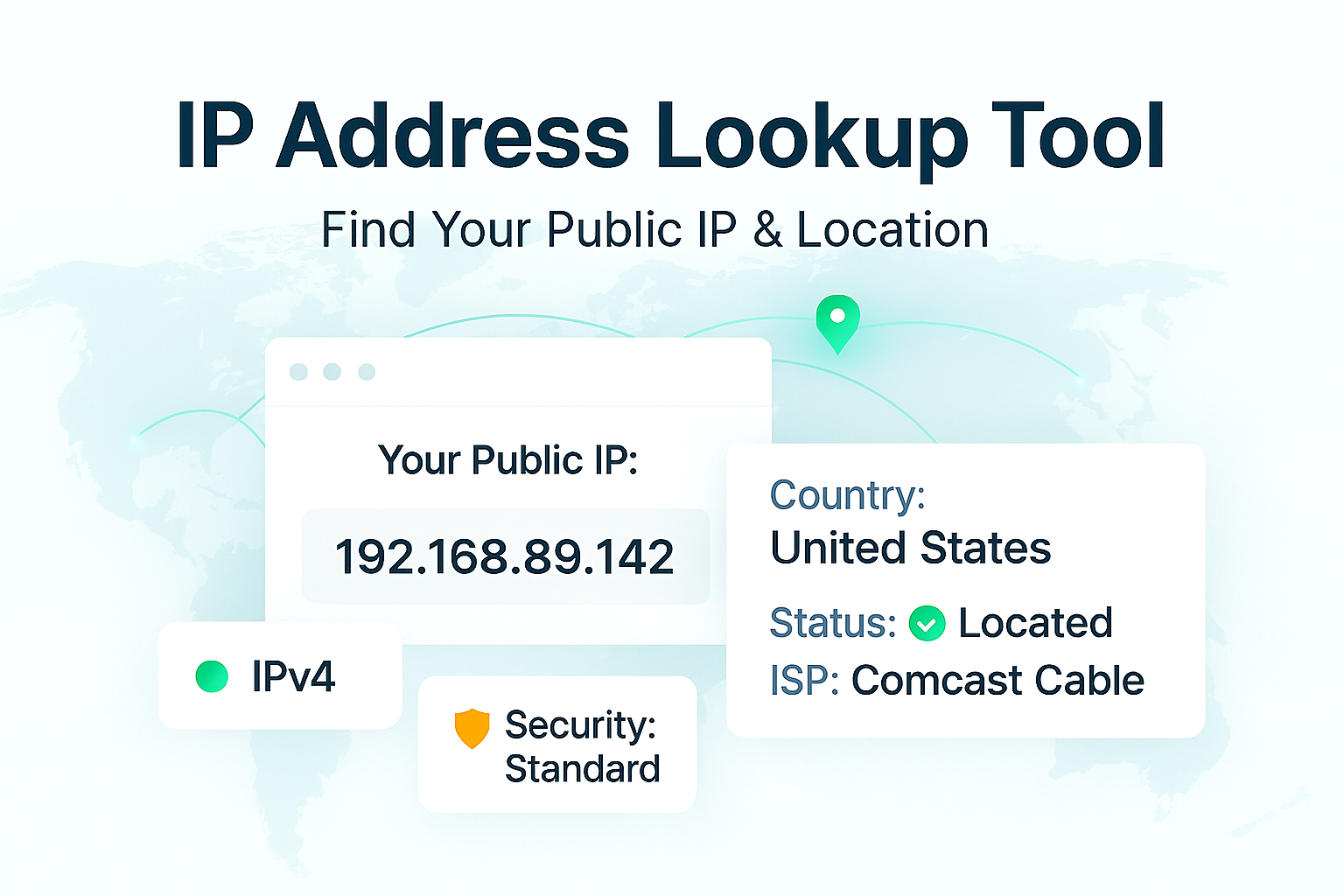
This guide will not only show you your IP but also explain what it is, how it's used, the difference between public and private IPs, and what you can do to protect your digital privacy. Our tool will instantly show you your IP address, your Internet Service Provider (ISP), and your approximate geographic location.
What Is an IP Address?
An **IP address** stands for "Internet Protocol address." It's a unique numerical label assigned to every device (like your computer, phone, or smart TV) connected to a computer network that uses the Internet Protocol for communication.
Think of it like this: if you want to receive a package at home, you must give the sender your street address. On the internet, if you want to load a website, your computer must give the website's server your IP address so the server knows where to send the website's data (text, images, etc.).
How to Use Our "What's My IP" Tool
Using our tool is the easiest way to find your IP address.
- Step 1: Navigate to our free What's My IP tool.
- Step 2: That's it. The tool runs automatically and will instantly display your public IP address, your ISP (Internet Service Provider), and your approximate location (city/country).
What Your IP Address Reveals About You
Your public IP address doesn't reveal your name, personal phone number, or exact home address. However, it *does* reveal:
- Your Approximate Geographic Location: It can often be pinpointed to your city or zip code.
- Your Internet Service Provider (ISP): It identifies the company you pay for internet (e.g., Comcast, AT&T, or a local provider).
- Your Browsing Activity: Your ISP (and potentially others) can log the websites you visit, associating that activity with your IP address.
Public IP vs. Private IP: What's the Difference?
This is a key concept. You actually have *two* IP addresses.
- Public IP Address (Your "Mailbox"): This is the *one* address your ISP assigns to your entire home network. It's the address the *outside world* sees. This is the IP address our tool shows you. All devices in your home (your phone, laptop, smart TV) share this single public IP when they access the internet.
- Private IP Address (Your "Room Number"): This is the internal address your Wi-Fi router assigns to *each individual device* inside your home. It's used for your devices to talk to each other and to your router. Common private IPs look like
192.168.1.1or10.0.0.1. These are invisible to the rest of the internet.
To summarize: Your router acts as the "post office" for your home. It has one public address for the outside world and gives out private "room number" addresses to all your devices to keep things organized inside.
What is IPv4 vs. IPv6?
You may see your IP in one of two formats:
- IPv4: The older, 32-bit format. It looks like this:
172.217.14.228. There are only about 4.3 billion IPv4 addresses, and we have run out. - IPv6: The new, 128-bit format. It looks like this:
2001:0db8:85a3:0000:0000:8a2e:0370:7334. This format was created to solve the IPv4 shortage and allows for a virtually limitless number of addresses.
Our tool will detect and show you whichever version your network is currently using to connect to our site.
How Can I Protect My IP Address?
Since your IP address is your digital "address," many people choose to protect it for privacy. The most common and effective way to do this is by using a **VPN (Virtual Private Network)**.
A VPN service encrypts your internet traffic and routes it through a server in a different location. When you visit a website, the website sees the VPN server's IP address, not your real one. This hides your true location and prevents your ISP from seeing your browsing activity.
Frequently Asked Questions (FAQs)
Q: Is my IP address permanent?
A: Usually not. Most ISPs assign "dynamic" IP addresses, which means your public IP address can and will change from time to time. Businesses can pay for a "static" IP address that never changes, but this is rare for home use.
Q: Can my IP address be used to hack me?
A: While knowing your IP is the first step, it doesn't mean you can be "hacked" instantly. It's public information. The real danger is if a cybercriminal *also* knows you have an unsecure, open port on your network. You can use our Open Port Checker to scan your network for vulnerabilities.
Q: Why does my IP show the wrong city?
A: IP-based geolocation is not 100% accurate. It identifies the location of your ISP's *server*, which is often in a major city nearby, but not necessarily your exact home address. It's an approximation.
Conclusion
Your IP address is a fundamental part of your internet connection. Our free tool makes it simple to find your public IP and understand what it tells the world about you. Whether you're a developer troubleshooting a network, or just a curious user, knowing your IP is the first step to understanding your digital footprint.
Related Tools You Might Find Useful:
- IP Information - Get detailed geographic and network information about any IP address.
- What's My User Agent - See what your browser is sending to websites.
- Open Port Checker - Scan your IP for open ports and vulnerabilities.
- IP to Hostname - Perform a reverse DNS lookup to find the hostname of an IP.
Last Updated: October 21, 2025
Contact
Missing something?
Feel free to request missing tools or give some feedback using our contact form.
Contact Us