22
Free URL Unshortener: Expand Short Links Safely (2025)
See where a short link *really* goes before you click it. Our free URL Unshortener expands any shortened link (like bit.ly) to reveal the final destination, protecting you from malicious sites.
Short links are everywhere. Services like bit.ly, t.co, and rebrand.ly are great for saving space, but they come with a big risk: **you have no idea where they're sending you.**
Clicking a short link could send you to a useful article, or it could lead to a phishing site, a malware download, or a spam page. You just can't tell. Our free URL Unshortener is a simple security tool that lets you peek behind the curtain.
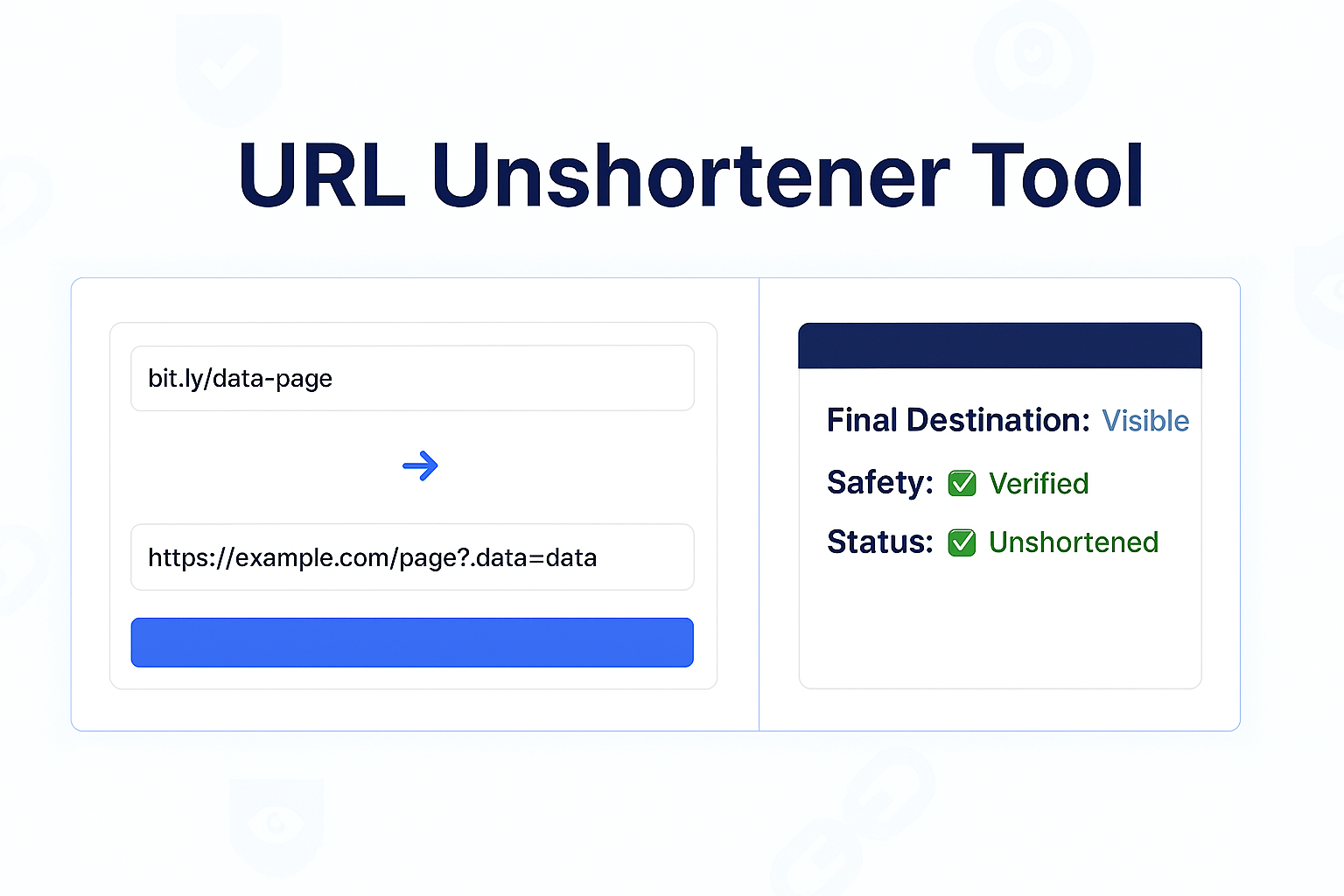
This tool will safely "follow" the short link on our server, trace all the redirects, and show you the final destination URL. This lets you see where a link *really* goes before you click it, protecting you from malicious websites.
How to Use Our URL Unshortener
Finding out the final destination of a short link is fast and safe.
- Step 1: Navigate to our free URL Unshortener.
- Step 2: Copy the short URL you want to check (e.g.,
https://bit.ly/3xYqZc). - Step 3: Paste the short link into the input box.
- Step 4: Click the "Unshorten" button.
- Step 5: The tool will instantly display the full, final destination URL, so you can see if it's safe to visit.
Why Should You Unshorten a Link?
The number one reason is **security**. Here’s why this tool is essential:
- Avoid Phishing Scams: Scammers use short links in emails and text messages to hide their malicious, fake websites (e.g., a fake bank login page). This tool reveals the real, malicious domain.
- Prevent Malware Downloads: A short link can hide a direct link to a
.zipor.exefile that will infect your computer. - Expose Redirect Chains: Sometimes, links pass through multiple ad trackers and affiliate sites before landing on the final page. This tool shows you the *final* page, cutting through the clutter.
- Simple Curiosity: Sometimes you just want to know where a link goes without having to click it and find out.
How Do URL Shorteners Work?
A URL shortener service (like Bitly) takes a very long URL, like:
https://www.example.com/products/electronics/laptops?category=gaming&brand=abc
...and stores it in their database. They then assign it a unique, short ID, like:
https://bit.ly/3xYqZc
When you click the short link, your browser is sent to Bitly's server. Bitly looks up "3xYqZc" in its database, finds the long "destination" URL, and then sends your browser a "301 Redirect" command, telling it to go to the real page. Our tool simply follows this redirect for you and reports the final destination.
Frequently Asked Questions (FAQs)
Q: Is it safe to use this tool?
A: Yes. It is 100% safe. *You* are not visiting the short link; our *server* is. This means your computer and IP address are never exposed to the destination site. The tool simply reports the final URL back to you.
Q: Will this work on all short links (t.co, bit.ly, etc.)?
A: Yes. This tool works on all major URL shortening services by following the HTTP redirect commands they issue. It will trace the link through multiple redirects until it finds the final page.
Conclusion
Don't click blind. In an age of widespread phishing and malware, a healthy dose of suspicion is a good thing. Before you click any suspicious short link in an email, social media post, or text message, paste it into our URL Unshortener first. See the destination, verify it's safe, and then click with confidence.
Related Security & Link Tools:
- Redirect Checker - A more advanced tool to see *every* step in a redirect chain (e.g., 301, 302 redirects).
- URL Decoder - Decode a URL-safe string back into text.
- URL Encoder - Encode a text string to be URL-safe.
- Website Status Checker - After unshortening, check if the destination website is online.
Last Updated: October 22, 2025
Contact
Missing something?
Feel free to request missing tools or give some feedback using our contact form.
Contact Us