22
Free URL Decoder: Online Percent-Decoding for URLs (2025)
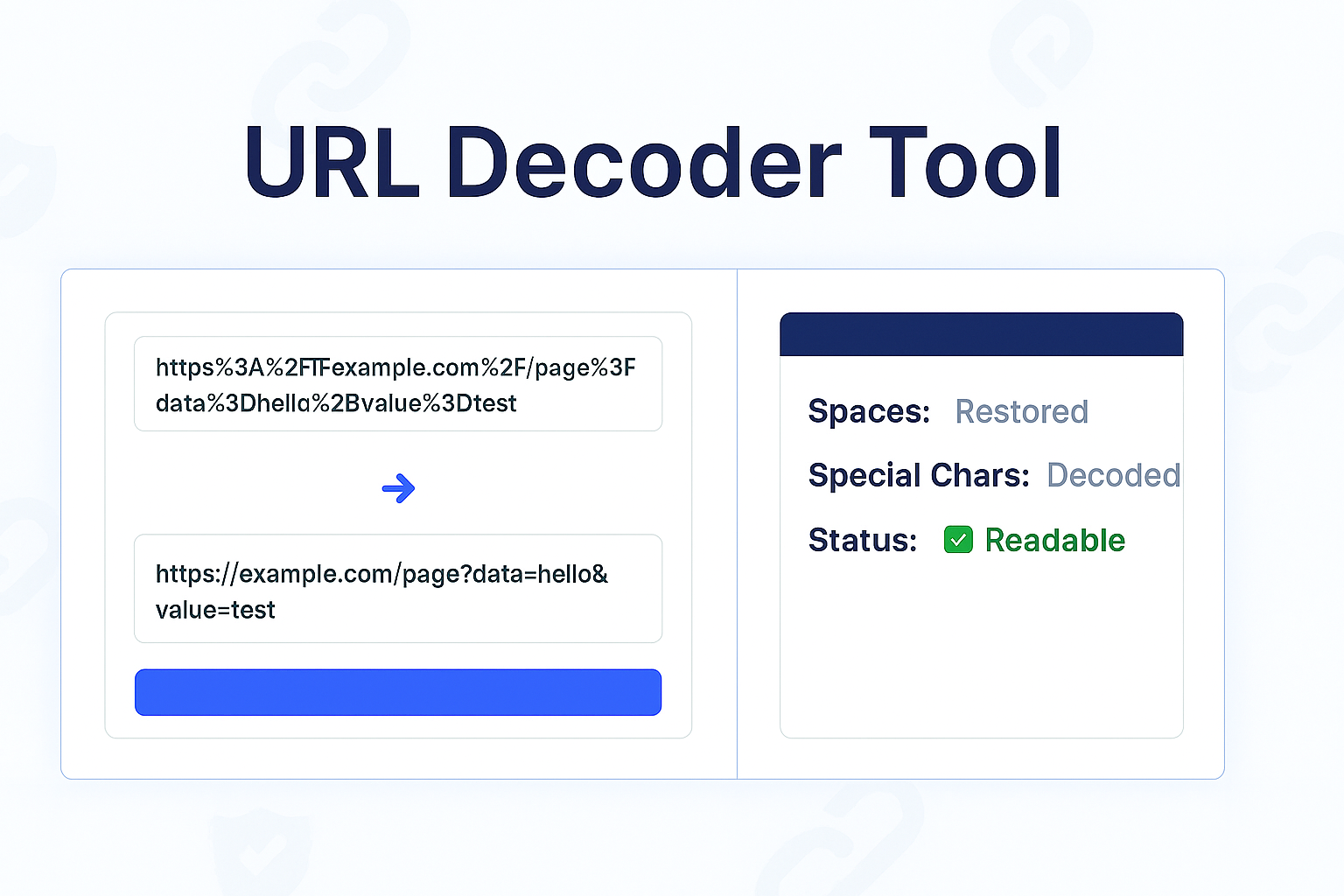
Instantly decode a URL-encoded string. Our free online URL decoder converts percent-encoded characters (%20, %26, etc.) back into readable, human-friendly text. Perfect for developers and log file analysis.
Have you ever copied a URL from your browser bar or a log file and seen a long, confusing string of text full of %20, %26, or %3F? That's a "URL-encoded" string. It's how browsers safely transmit special characters, but it's impossible for a human to read.
Our free URL Decoder is the simple solution. It's a tool that instantly translates that machine-safe, percent-encoded string back into its original, human-readable format. It's the "decoder ring" for your messy URLs.
This tool is essential for developers debugging API calls, SEOs analyzing referral links, or anyone who wants to quickly see what data is *really* being passed in a URL.
What Is URL Decoding?
URL Decoding is the process of reversing "URL Encoding." It finds all the percent-encoded (%xx) characters and translates them back into their original, human-readable symbols.
For example, a browser can't use a space in a URL, so it encodes it. Decoding reverses this:
- The string
Hello%20Worldis decoded back intoHello World. - The string
cats%20%26%20dogsis decoded back intocats & dogs.
This lets you see the original, plain-text data that was being sent.
How to Use Our URL Decoder
- Step 1: Navigate to our free URL Decoder.
- Step 2: Copy your long, encoded URL or string and paste it into the input box.
- Step 3: Click the "Decode" button.
- Step 4: The tool will instantly provide the clean, human-readable text in the output box.
Who Needs to Decode URLs?
- Developers: For debugging GET requests, analyzing API query strings, and reading server logs.
- SEOs & Marketers: For cleaning up and understanding the parameters in tracking links (like UTM parameters or affiliate links).
- Curious Users: To simply find out what data a long, messy URL is sending.
Decoder vs. Encoder
This tool and its companion, the URL Encoder, perform opposite actions:
- URL Decoder (This Tool): Takes a machine-safe URL string and makes it human-readable. (e.g.,
Hello%20World→Hello World). - URL Encoder: Takes human-readable text and makes it machine-safe for a URL. (e.g.,
Hello World→Hello%20World).
Frequently Asked Questions (FAQs)
Q: Why does my decoded text still look like gibberish?
A: This can happen for two common reasons.
1. It might be "double-encoded," meaning it was encoded twice. Try running the output through the decoder a second time.
2. The text you're decoding might not be URL-encoded text at all. It might be a Base64 string, which looks similar but is a different format.
Q: Is this URL decoder free?
A: Yes! Our tool is 100% free with no limits on how much data you can decode.
Conclusion
Stop trying to manually parse those long, confusing URLs. Our free URL Decoder instantly cleans them up, showing you the plain text hidden inside. It's the fastest way to debug, analyze, or simply understand any URL-encoded string.
Related Encoding & Text Tools:
- URL Encoder - The opposite of this tool. Encode a text string to be URL-safe.
- Base64 to Text - Decode Base64 strings, which can sometimes be confused with URL strings.
- URL Parser - A more advanced tool to break a URL down into its parts (protocol, host, query, etc.).
- URL Extractor - Extract all links from a block of text.
Last Updated: October 22, 2025
Contact
Missing something?
Feel free to request missing tools or give some feedback using our contact form.
Contact Us