22
Free Timestamp Converter: Convert Unix Time to Human-Readable Date (2025)
Instantly convert a Unix timestamp (epoch time) to a human-readable date and time, or convert a date to a timestamp. Our free online tool is perfect for developers, log file analysis, and data conversion.
Have you ever looked at a database or a server log and seen a string of numbers like 1729606800 where a date and time should be? That's not a bug. That's a Unix Timestamp, and it's the standard way computers and servers communicate time.
This "Unix time" (or "Epoch time") is a single, large number that represents the total number of seconds that have passed since January 1, 1970, at 00:00:00 UTC. While it's perfect for computers (it's universal and not affected by time zones), it's completely unreadable for humans.
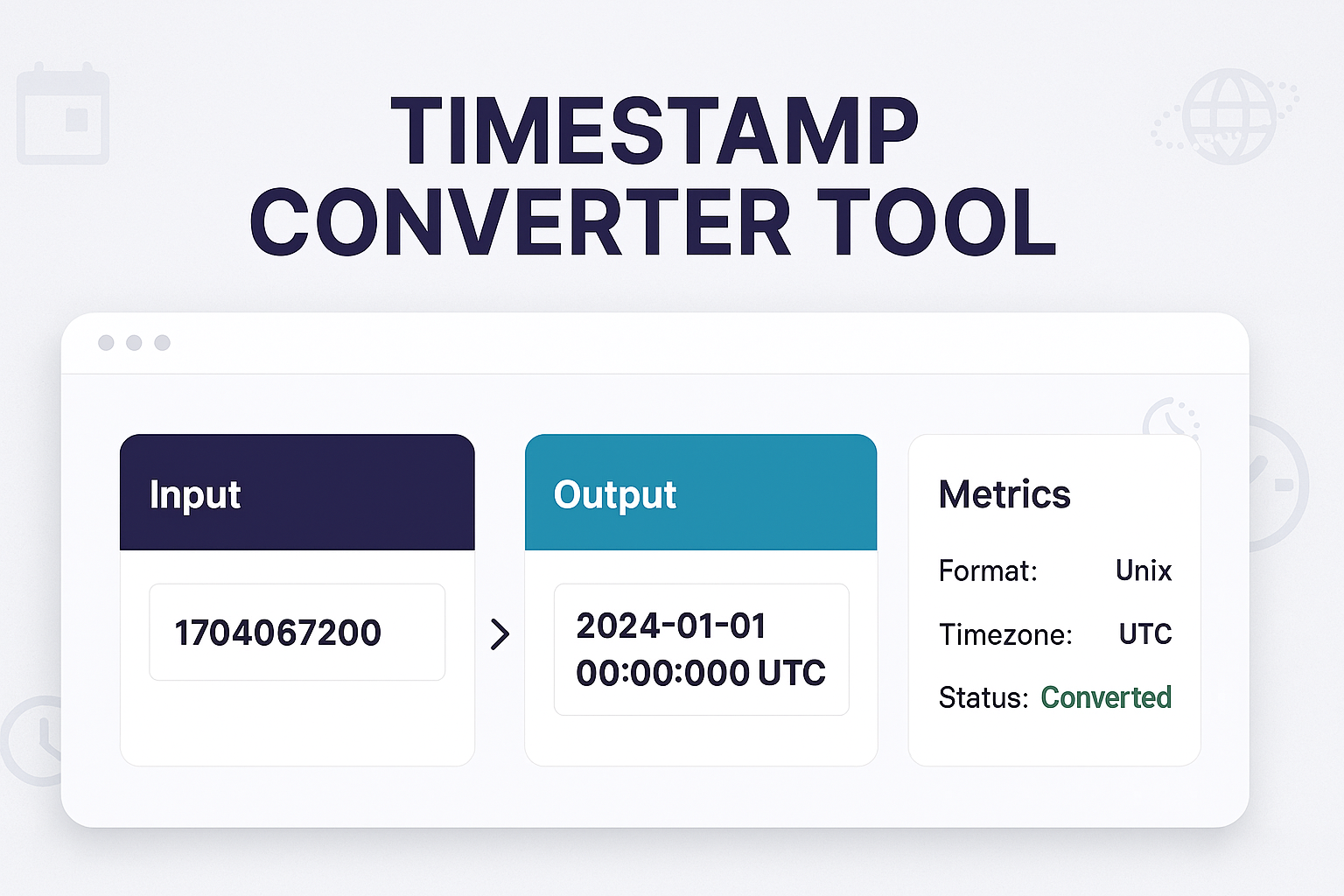
Our free Timestamp Converter is a simple two-way tool that instantly translates this number into a human-readable date and time, and can also convert any date back into its Unix timestamp. It's an essential utility for developers, data analysts, and IT pros.
How to Use Our Timestamp Converter
Our tool works both ways, making it easy to translate to and from Unix time.
To Convert a Timestamp TO a Date (Human-Readable):
- Step 1: Navigate to our free Timestamp Converter.
- Step 2: Paste your Unix timestamp (e.g.,
1729606800) into the "Unix Timestamp" field. - Step 3: The tool will instantly display the corresponding human-readable date and time (in both UTC and your local time zone).
To Convert a Date TO a Timestamp (Unix Time):
- Step 1: On the same tool, use the date and time pickers to select the human-readable date you want to convert.
- Step 2: The "Unix Timestamp" field will automatically update, giving you the correct timestamp for that moment.
What Is "Epoch Time"?
The "Epoch" is the arbitrary starting point that Unix time counts from: January 1, 1970, at 00:00:00 UTC (Coordinated Universal Time). A timestamp of 0 represents that exact moment. A timestamp of 1 is one second later.
This system is used by nearly all modern operating systems (like macOS, Linux, and Android) and databases because it's a simple, universal, and non-ambiguous way to log and calculate time.
Who Needs to Convert Timestamps?
- Web Developers: For debugging API responses, checking database entries, and managing "created_at" or "updated_at" fields.
- Data Analysts: For cleaning and standardizing time-series data from different sources before analysis.
- IT & System Admins: For reading server logs. Error logs, access logs, and system events are almost always timestamped.
- Digital Forensics: For creating a clear timeline of events from raw computer data.
Frequently Asked Questions (FAQs)
Q: What is the "Year 2038 Problem"?
A: The "Year 2038 Problem" is a famous bug, similar to Y2K. Many older systems stored the Unix timestamp as a 32-bit signed integer. The largest number this can hold is 2,147,483,647, which corresponds to 03:14:07 UTC on January 19, 2038. After this second, the number will "wrap around" and become negative, which will be interpreted as a date in 1901. All modern 64-bit systems have already fixed this, but it can still be an issue for older "Internet of Things" (IoT) devices or embedded systems.
Q: Does the Unix timestamp account for time zones?
A: No, and that's its greatest feature! Unix time is *always* in UTC. This creates a single, universal standard. A timestamp of 1729606800 is the same moment in time whether you're in New York, London, or Tokyo. Our tool shows you the date in UTC *and* in your local browser time zone for convenience.
Q: What about milliseconds?
A: Sometimes you'll see a timestamp with 13 digits (e.g., 1729606800123). This is a JavaScript or Java timestamp that includes milliseconds. Our tool can typically handle these as well.
Conclusion
Don't let a long string of numbers slow down your debugging or analysis. Our free Timestamp Converter is the fastest way to translate between the computer's universal time (Unix) and our human-readable dates. Bookmark this page for your development toolkit.
Try Our Free Timestamp Converter
Related Developer & Time Tools:
- Between Dates Calculator - Calculate the number of days between two human-readable dates.
- Age Calculator - Find the precise age from a date of birth.
- World Clock - See the current time in major cities around the world.
- SQL Beautifier - Clean up your SQL queries that might be pulling these timestamps.
Last Updated: October 22, 2025
Contact
Missing something?
Feel free to request missing tools or give some feedback using our contact form.
Contact Us