22
Free SSL Checker: Verify SSL Certificate Installation & Expiry (2025)
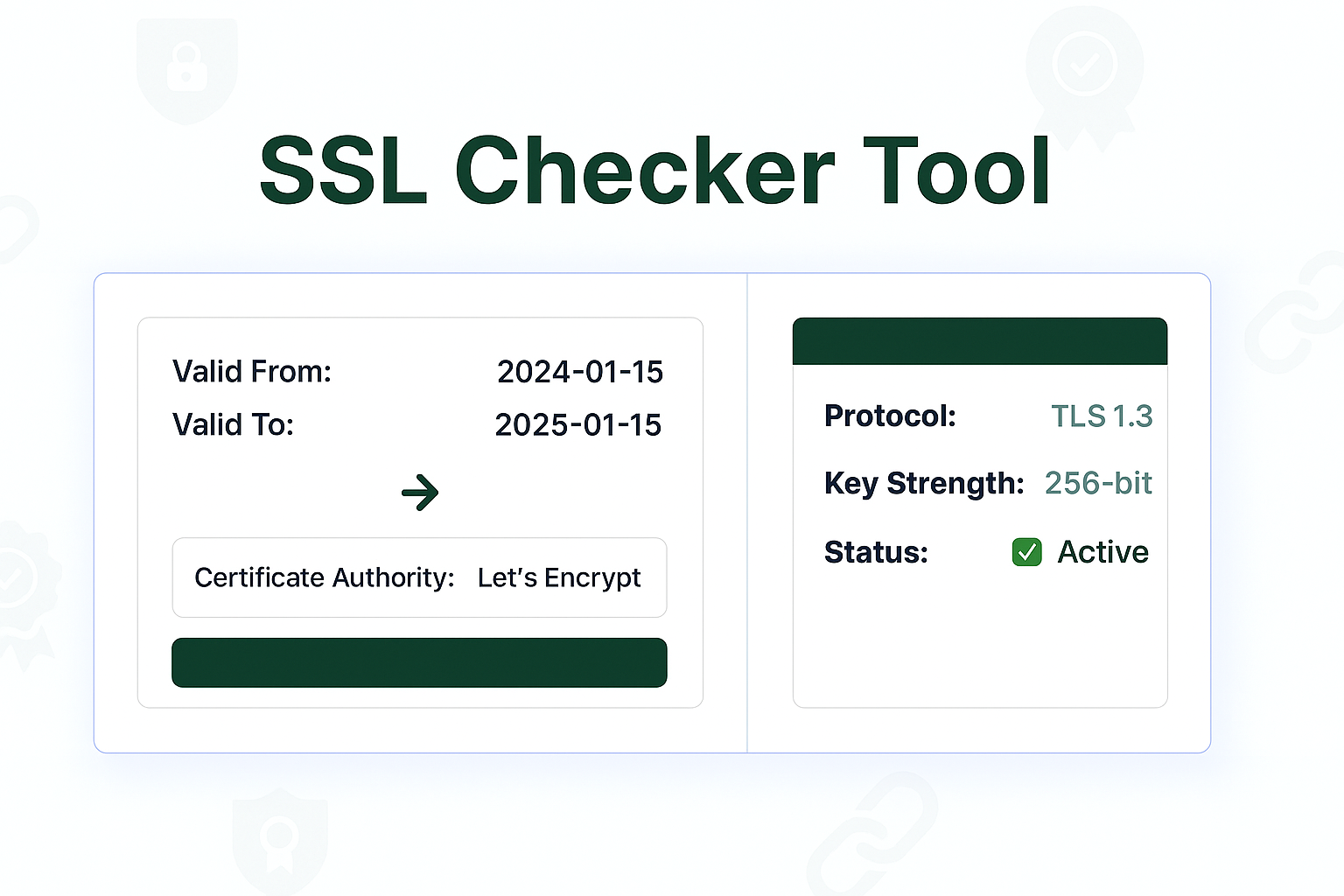
Instantly check any domain's SSL/TLS certificate. Our free SSL Checker verifies installation, issuer, and expiry date. Ensure your HTTPS connection is secure and trusted by browsers.
That little lock icon 🔒 in your browser's address bar is the most important trust signal on the internet. It's what separates a secure https:// site from an unsecured http:// site. This security is powered by an **SSL Certificate**.
If your certificate expires or is installed incorrectly, your visitors will be greeted with a terrifying "Your Connection Is Not Private" or "Not Secure" warning. This is the fastest way to lose a customer or visitor. Our free SSL Checker is a simple diagnostic tool that lets you verify your certificate *before* it becomes a problem.
It will scan your domain and instantly tell you if your SSL certificate is valid, who issued it, and (most importantly) when it expires.
How to Use Our SSL Certificate Checker
Verifying your site's security takes just a few seconds.
- Step 1: Navigate to our free SSL Checker.
- Step 2: Enter the domain name you want to check (e.g.,
webgurulink.com). - Step 3: Click the "Check SSL" button.
- Step 4: The tool will instantly provide a full report on your certificate's validity, issuer, expiry date, and certificate chain.
What Is an SSL Certificate?
SSL stands for Secure Sockets Layer (its modern name is TLS, or Transport Layer Security). It's a digital certificate that does two critical things:
- Encrypts Data: It creates a secure, encrypted "tunnel" between a user's browser and your web server. This is what keeps private information (like passwords and credit card numbers) safe from hackers.
- Verifies Identity: It proves that your website is *really* who it claims to be, preventing "man-in-the-middle" attacks.
This is the technology that enables the secure HTTPS protocol.
Why Do You Need to Check Your SSL?
- Avoid "Not Secure" Warnings: An expired or invalid SSL is the #1 reason browsers show a security warning. This will scare away visitors.
- Prevent Downtime & Lost Sales: If your e-commerce site's certificate expires, you can't process payments. Regularly checking gives you peace of mind.
- Verify Installation: After you install a new certificate, this tool is the best way to confirm it's working and that the "intermediate chain" is set up correctly.
- Boost SEO Rankings: Google has confirmed that HTTPS is a lightweight ranking signal. Having a valid, working SSL is a non-negotiable part of modern SEO.
Frequently Asked Questions (FAQs)
Q: What's the difference between SSL and TLS?
A: They are essentially the same thing. SSL is the original name. **TLS (Transport Layer Security)** is the new, more secure version of the protocol. Most people still say "SSL" out of habit, but all modern, secure sites (including yours) are actually using TLS.
Q: What does the "Certificate Chain" mean?
A: Your certificate's trust doesn't just come from you. It comes from a trusted **Certificate Authority (CA)** (like Let's Encrypt or Comodo). The "chain" is the line of trust from the CA, to an intermediate certificate, to your domain's certificate. If this chain is "broken" or incomplete, browsers will show an error. Our tool helps you spot this.
Q: What do I do if my SSL certificate is expired?
A: You must renew it immediately. Contact your hosting provider or the company you bought the certificate from. Many providers (like Let's Encrypt) offer free, auto-renewing certificates, which can prevent this problem.
Conclusion
Your SSL certificate is the foundation of your website's security and trustworthiness. Don't wait for it to expire and drive away your users. Use our free SSL Checker to get a quick, real-time report on your certificate's health. Bookmark this page and use it as part of your regular website maintenance.
Related Network & Security Tools:
- Website Status Checker - Check if your site is online and responsive.
- DNS Lookup - See the DNS records for your domain to ensure they are set up correctly.
- HTTP Headers Parser - See the full security headers your server is sending.
- Domain Whois - Find the registration and ownership details of a domain.
Last Updated: October 22, 2025
Contact
Missing something?
Feel free to request missing tools or give some feedback using our contact form.
Contact Us