22
Free Password Generator: Create Strong, Secure & Random Passwords (2025)
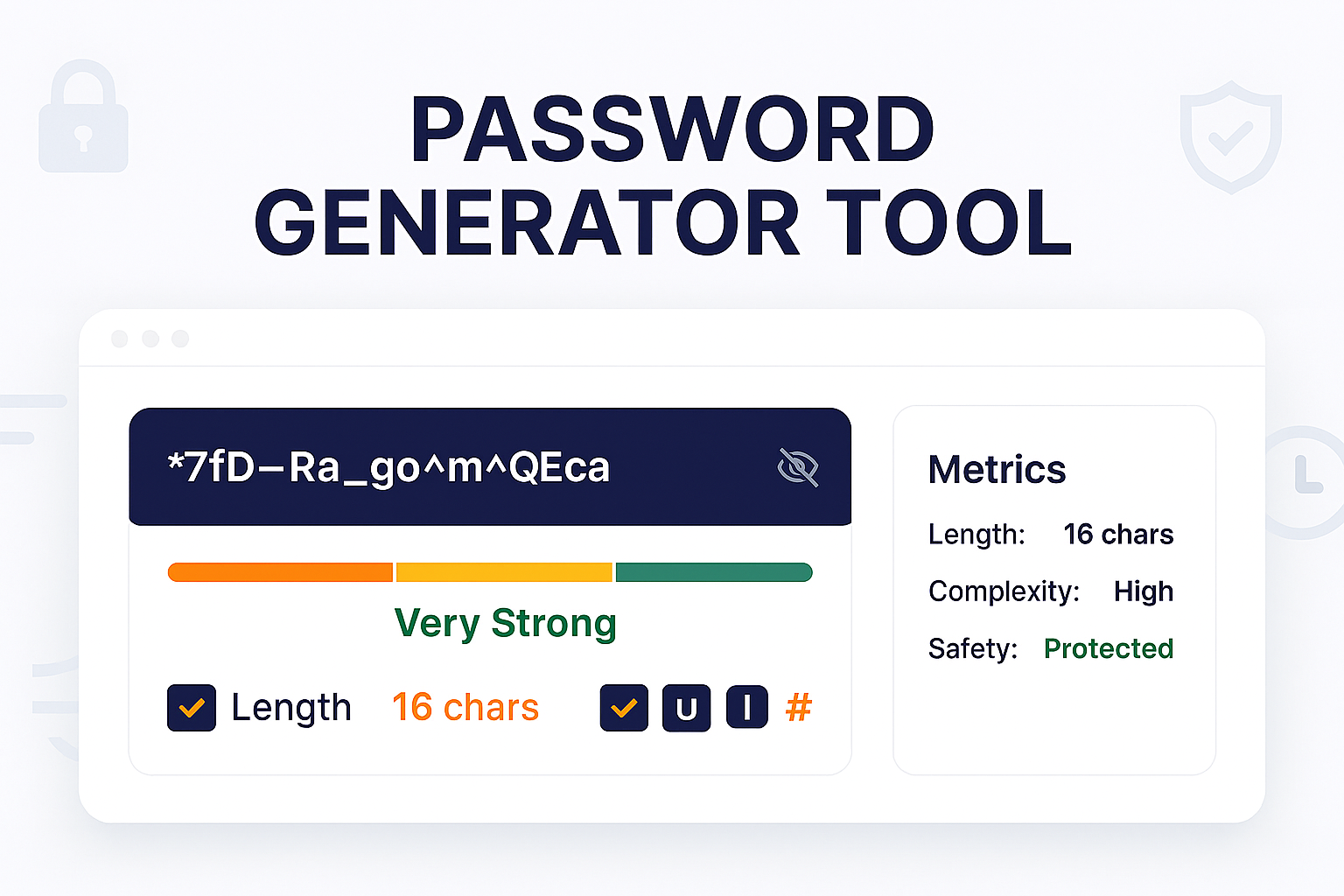
Create a strong, secure, and random password instantly. Our free password generator lets you customize the length and use of uppercase, numbers, and symbols. Stop using weak passwords and secure your accounts.
In 2025, a weak password is an open invitation for hackers. Passwords like "password123", "YourName!", or "QWERTY" can be cracked in seconds by modern computers.
The single best defense for your online accounts is a strong, long, and completely random password. The problem? Humans are terrible at creating true randomness. We use patterns we can remember, which are the same patterns hackers can guess. Our free Password Generator is the solution. It's a simple tool that does one job perfectly: it creates a truly random, high-strength password for you to use.
You can customize the length and character types (uppercase, lowercase, numbers, and symbols) to meet any website's requirements, creating a password that is virtually unguessable.
How to Use Our Password Generator
- Step 1: Navigate to our free Password Generator.
- Step 2: Use the options to customize your password:
- Length: We recommend at least 16 characters. Longer is always better.
- Uppercase (A-Z): Check this to include uppercase letters.
- Lowercase (a-z): Check this to include lowercase letters.
- Numbers (0-9): Check this to include numbers.
- Symbols (!@#$%): Check this to include special characters.
- Step 3: A strong, random password will be generated for you instantly.
- Step 4: Click the "Copy" button to copy it to your clipboard.
Why Is a "Random" Password More Secure?
A hacker's primary tool is a "brute-force" or "dictionary" attack. They use software to try millions of common words, names, and patterns every second.
A password like "MyP@ssword!" looks strong, but it's not. It's a dictionary word (password) with simple substitutions (@ for a, ! for i). A computer will guess this in minutes.
A truly random password like "%Tj8#kVb9@zPqR2" has no patterns. It's not a word. It's not a date. A hacker's software has no choice but to try *every single possible combination*, which could take a modern computer *billions* of years to guess.
Best Practices for Password Security
- Use a Password Manager: Do *not* try to memorize these random passwords. Use a trusted password manager (like Bitwarden, 1Password, or LastPass) to store them. You only need to remember *one* master password.
- Unique Passwords for Every Site: Never re-use a password. If one site gets hacked, a hacker will use that same password to try and log into your email, your bank, and your social media.
- Use Multi-Factor Authentication (MFA): This is just as important as a strong password. It's the "something you have" (like a code from your phone) in addition to "something you know" (your password).
Frequently Asked Questions (FAQs)
Q: Is this password generator free?
A: Yes! Our tool is 100% free to use, with no limits.
Q: Do you save or see the passwords I generate?
A: Absolutely not. All passwords are generated in your browser. They are never sent to our servers and are never seen or stored by us. The moment you close the page, the generated password is gone. Your security is our top priority.
Q: What is a "strong" password in 2025?
A: A strong password is:
- Long: At least 16 characters. 20+ is even better.
- Complex: It must include a mix of uppercase letters, lowercase letters, numbers, and symbols.
- Random: It must have no connection to you (like your name or birthday) and no dictionary words.
Conclusion
Stop putting your accounts at risk. The easiest and most effective way to secure your digital life is by using strong, unique passwords for every site. Use our free generator to create a truly random password in one click, and store it safely in a password manager.
Try Our Free Password Generator
Related Security Tools:
- Password Strength Test - Test your *current* passwords to see how fast they can be cracked.
- Bcrypt Generator - A tool for developers to securely *hash* and store passwords in a database.
- SHA Generator - Generate secure SHA-256 hashes.
- MD5 Generator - Generate MD5 hashes for file integrity checks.
Last Updated: October 22, 2025
Contact
Missing something?
Feel free to request missing tools or give some feedback using our contact form.
Contact Us