22
Free QR Code Reader: Scan & Decode QR Codes from Images (2025)
Scan and decode any QR code from an image. Our free online QR code reader lets you upload a QR code file (PNG, JPG) to instantly reveal its hidden destination. Check a QR code's link safely.
You know how to scan a QR code with your phone's camera, but what about a QR code that's already on your computer? You might have a screenshot, a file from an email, or an image from a website. You can't point your phone's camera at your own screen!
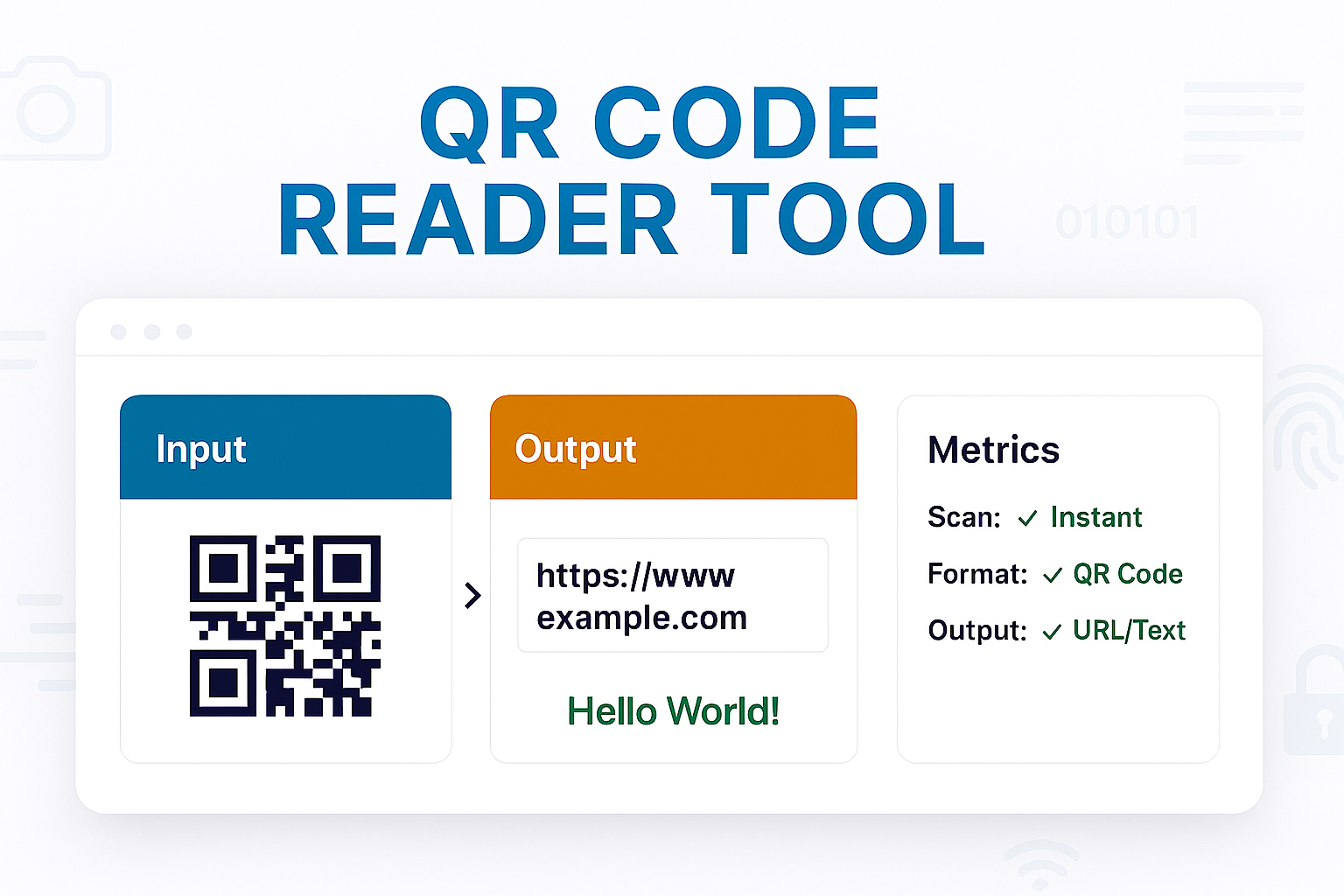
Our free QR Code Reader is the solution. It's a simple, web-based tool that lets you "scan" a QR code by uploading the image file. It instantly decodes the QR code and reveals its hidden content—whether it's a URL, a text message, or contact information.
This tool is perfect for checking a QR code's destination for safety before visiting it, or for simply accessing a code from your desktop or laptop.
How to Use Our Online QR Code Reader
Reading a QR code from an image file takes just a few seconds.
- Step 1: Navigate to our free QR Code Reader.
- Step 2: Upload your QR code image file (e.g.,
.png,.jpg,.gif) using the upload button. You can also drag-and-drop your image file. - Step 3: The tool will instantly scan the image and decode it.
- Step 4: The hidden data (e.g., the URL, text, or Wi-Fi info) will be displayed clearly in the output box, ready for you to copy.
Why Use an Online QR Reader?
- Safety & Security: This is the most important reason. If you receive a QR code in a suspicious email, do *not* scan it with your phone. Upload it to this tool first. You can see the destination link without actually visiting it, protecting you from phishing or malware.
- Convenience: It's the easiest way to read a QR code that's already on your computer, such as in a screenshot, a PDF, or on another webpage.
- Data Extraction: If a QR code contains a long, complex piece of text (not just a URL), this tool lets you easily decode it and copy the text to your clipboard.
Reader vs. Generator
This tool and its companion, the QR Code Generator, perform opposite actions:
- QR Code Reader (This Tool): Takes an *image* of a QR code and converts it back into *data* (like text or a URL).
- QR Code Generator: Takes *data* (like text or a URL) and converts it into an *image* of a QR code.
Frequently Asked Questions (FAQs)
Q: Is this QR code scanner free?
A: Yes! Our tool is 100% free to use, with no limits on how many codes you can scan.
Q: Is it safe to upload my image?
A: Yes. Your privacy is our priority. The image is processed instantly in your browser. It is never sent to or stored on our servers. The tool simply reads the QR code data and then forgets the image.
Q: What if my image has multiple QR codes?
A: A high-quality scanner will attempt to read the first and most prominent QR code it can find. For best results, crop your image so that only one QR code is visible before uploading.
Q: What if the code can't be read?
A: If the tool can't read the code, it's likely because the image is too blurry, the contrast is too low, or the QR code itself is damaged or incomplete.
Conclusion
Don't be left guessing what a QR code image contains. Our free online reader is the fastest and safest way to decode any QR code from a file on your computer. Upload your image, see the hidden data, and stay secure.
Related Tools You Might Find Useful:
- QR Code Generator - The opposite of this tool. Create your own custom QR codes.
- URL Unshortener - If your QR code reveals a short link, use this to see the *final* destination.
- Image to Base64 - A different tool for encoding images, not reading them.
- Image Compressor - Compress your images before sharing them.
Last Updated: October 22, 2025
Contact
Missing something?
Feel free to request missing tools or give some feedback using our contact form.
Contact Us