21
Free JS Minifier: Online Tool to Compress & Minify JavaScript (2025)
Minify your JavaScript code instantly. Our free online JS minifier removes unnecessary characters, spaces, and comments to reduce file size, fix render-blocking issues, and improve your page load speed.
In modern web design, JavaScript is the "engine." It powers everything from interactive menus and sliders to complex web applications. But this power comes at a cost: large, unoptimized JavaScript files are the single biggest cause of slow, "janky" websites.
Bloated JS files can be "render-blocking," meaning your browser has to stop and process them before it can show your page, leading to a blank white screen. Our free JS Minifier is a powerful tool designed to solve this exact problem.
It "compresses" your JavaScript files by removing all unnecessary code, dramatically reducing file size. This leads to faster downloads, quicker execution, and a massive improvement in your site's performance and Google's Core Web Vitals.
What is JavaScript Minification?
JS Minification is an optimization process that removes all characters from a JavaScript file that are not required for it to run. This is more advanced than just removing spaces and includes:
- Removing white spaces, line breaks, and tabs.
- Stripping out all code comments (
// ...and/* ... */). - Shortening local variable names (e.g.,
myLongVariableNamebecomesa). - Joining statements and removing unnecessary semicolons.
The result is a highly compact, lightweight file that is optimized for servers to send and browsers to parse.
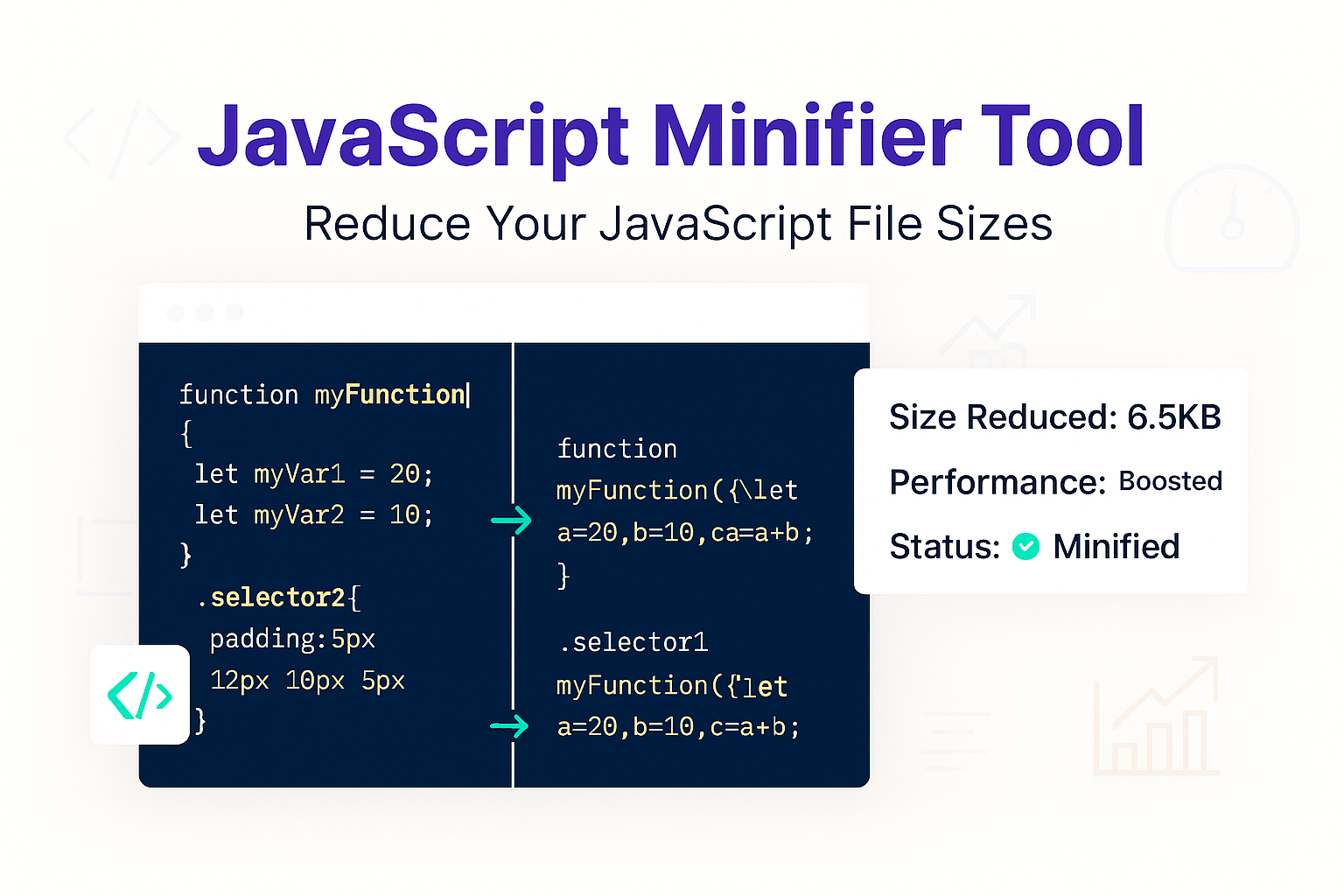
For example, this human-readable JS:
// This is a simple function
function sayHello(longName) {
  var greeting = "Hello, ";
  console.log(greeting + longName);
}
sayHello("World");
...becomes this minified JS:
function sayHello(a){var b="Hello, ";console.log(b+a)}sayHello("World");How to Use Our JS Minifier
- Step 1: Navigate to our free JS Minifier.
- Step 2: Paste your un-minified JavaScript code into the input box.
- Step 3: Click the "Minify" button.
- Step 4: The tool will instantly provide the compressed JS code in the output box, ready to copy and save as your new
.jsfile.
Why Minify Your JavaScript? The Core Benefits
- Fix Render-Blocking Issues: Large JS files are the main cause of poor "First Contentful Paint" (FCP) and "Largest Contentful Paint" (LCP) scores from Google. A smaller file is faster to download and parse, allowing your page to render sooner.
- Faster Download & Execution: Smaller files simply download faster. More importantly, the browser's JS engine can parse and *execute* the minified code more quickly.
- Improved Core Web Vitals: Site speed is a direct Google ranking factor. Minifying your JS, CSS, and HTML is the first thing every developer should do to pass Core Web Vitals.
Minifier vs. Formatter vs. Obfuscator
It's very important not to confuse these three tools. They have very different purposes.
- Minifier (This Tool): Makes code smaller for machines/browsers to improve speed. This is what you use on your live site.
- Formatter: Makes code readable for humans. Use our JS Formatter to "un-minify" code for debugging.
- Obfuscator: Makes code unreadable for humans to *protect* your code. It renames functions and logic to make it hard to steal. Use our JS Obfuscator if you need to hide your source code.
Frequently Asked Questions (FAQs)
Q: Is it safe to minify my JavaScript?
A: Yes, but with a warning. Because JS minification *can* change variable names, it is essential to test your minified script. 99% of the time it is perfectly safe, but you should *always* test it on a staging site to ensure no functionality has broken.
Q: Should I also minify my HTML and CSS?
A: 100% yes. For maximum speed, you must optimize all three parts of your website.
Q: What's the difference between minification and Gzip?
A: They are a team! Minification happens *before* Gzip.
1. Minification: You do this to your file *first*.
2. Gzip: This is a compression your *server* does to the file before sending it.
By minifying your JS *first*, you give Gzip a much cleaner, smaller file to compress, resulting in the smallest possible file size and fastest download.
Conclusion
Don't let slow, bloated JavaScript files ruin your user experience and SEO. Minifying your scripts is a simple, free, and essential step for building a fast, modern website. Compress your JavaScript in seconds and watch your page load scores improve.
Related Developer Tools:
- JS Formatter - The opposite of this tool. Un-minify and beautify your JS.
- JS Obfuscator - Make your JS code unreadable to protect it.
- CSS Minifier - Compress your CSS stylesheets.
- HTML Minifier - Compress your HTML code.
Last Updated: October 21, 2025
Contact
Missing something?
Feel free to request missing tools or give some feedback using our contact form.
Contact Us