21
Free JS Formatter & Beautifier: Online JavaScript Prettifier (2025)
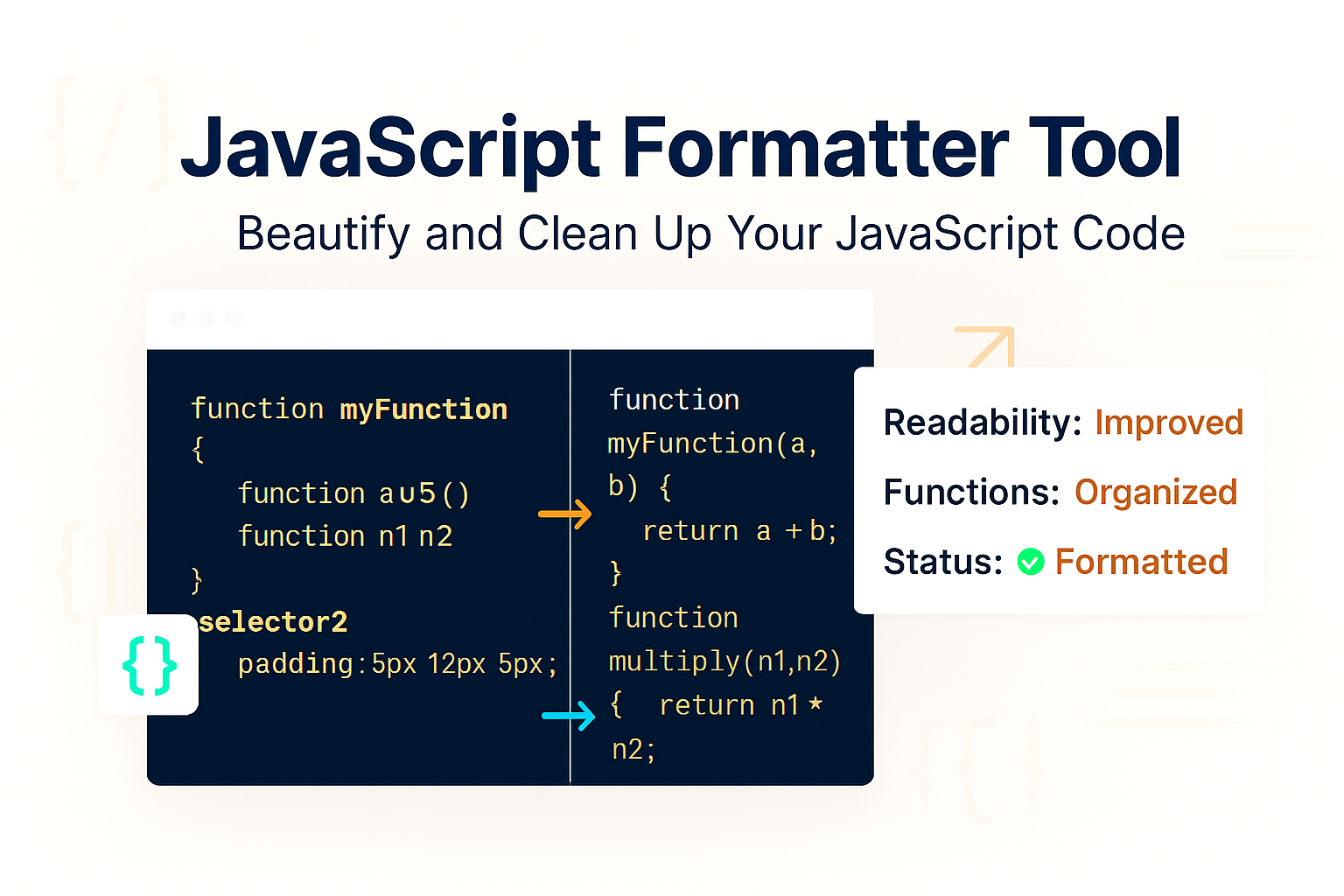
Instantly format and beautify your messy, minified, or unreadable JavaScript code. Our free online JS formatter adds proper indentation and line breaks to make your JS code clean and human-readable for debugging.
JavaScript is the engine of the modern web, but it's often served in a "minified" or "obfuscated" state. This means all the code is compressed into a single, unreadable line—perfect for fast page loads, but a total nightmare if you're a human trying to debug it or learn from it.
Our free JS Formatter (also known as a "JavaScript Beautifier" or "Prettifier") is a simple tool that instantly reverses this. It takes that jumbled, messy code and transforms it back into a clean, beautiful, and perfectly indented format that you can actually understand.
This tool is essential for any web developer, student, or hobbyist who needs to make sense of a complex or compressed JavaScript file.
How to Use Our JS Formatter & Beautifier
Turning your messy code into clean, readable code takes just a moment.
- Step 1: Navigate to our free JS Formatter.
- Step 2: Copy your messy, unformatted, or minified JavaScript code and paste it into the input box.
- Step 3: Click the "Format" button.
- Step 4: The tool will instantly provide the clean, perfectly formatted JavaScript in the output box, ready to copy into your code editor.
Why Format Your JavaScript? (Key Use Cases)
- Debugging Minified Code: This is the #1 use case. When you get an error on your live (minified) site, you can paste the code here to see the proper structure and find the bug.
- Learning from Other Sites: "Viewing Source" is a great way to learn. You can copy another site's minified JS, format it, and see how their scripts are structured.
- Team Collaboration: When everyone on a team formats their code the same way, it makes projects much easier to read, merge, and maintain.
- Cleaning Up Old/Messy Code: We've all inherited a project with inconsistent tabbing and messy formatting. This tool cleans it all up in one click.
Formatter vs. Minifier vs. Obfuscator (What's the Difference?)
This is a critical distinction. These three tools are often confused, but they have very different (and often opposite) goals.
- JS Formatter (This Tool): Makes code readable for HUMANS. Its goal is to add spaces and line breaks for debugging.
- JS Minifier: Makes code smaller for MACHINES. Its goal is to remove spaces and shorten variables for faster site speed.
- JS Obfuscator: Makes code unreadable for HUMANS. Its goal is to rename functions and logic to make your code difficult to steal or reverse-engineer.
Frequently Asked Questions (FAQs)
Q: Will this tool fix my broken JavaScript?
A: No. This tool is a formatter, not a validator or linter. It will not fix syntax errors (like missing brackets) or logic bugs. It simply makes your code—even if it's broken—look clean and readable, which often makes those errors much easier for *you* to spot.
Q: Is it safe to use this on my proprietary code?
A: Yes. Your privacy is our priority. All formatting is done instantly in your browser. Your code is never sent to or stored on our servers.
Q: Is this JS beautifier tool free?
A: Yes! Our tool is 100% free to use, with no limits on the amount of code you can format.
Conclusion
Stop squinting at unreadable code and get back to building. Our free JS Formatter is the fastest way to clean up, debug, and understand any JavaScript file. Bookmark this page and add it to your essential development toolkit.
Related Developer Tools:
- JS Minifier - The opposite of this tool. Compress your JS for faster site speed.
- JS Obfuscator - Make your JS code unreadable to protect it.
- CSS Formatter - Beautify your messy CSS stylesheets.
- HTML Formatter - Clean up and format unreadable HTML code.
- SQL Beautifier - Format your messy SQL queries to make them readable.
Last Updated: October 21, 2025
Contact
Missing something?
Feel free to request missing tools or give some feedback using our contact form.
Contact Us