21
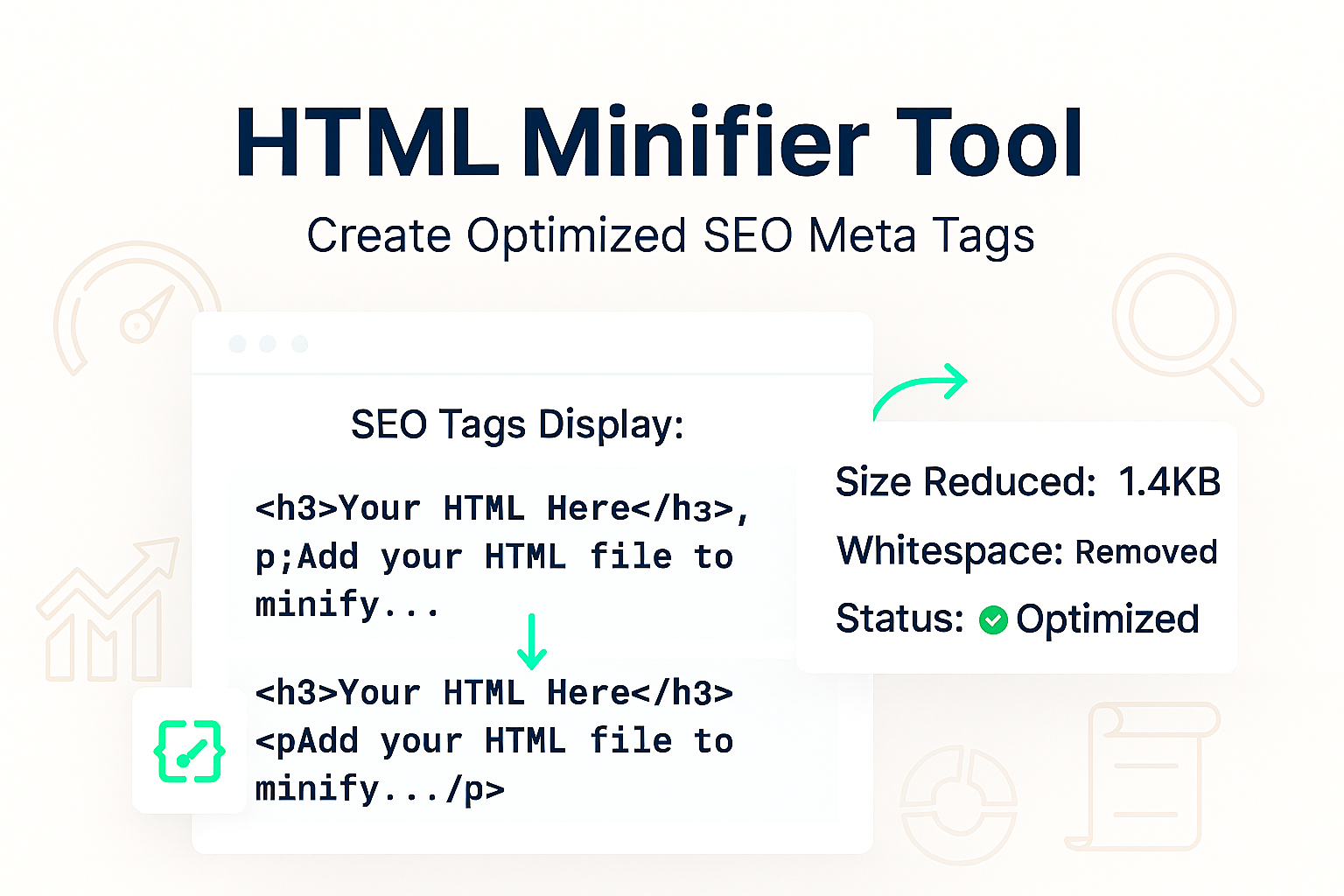
Free HTML Minifier: Online Tool to Compress & Minify HTML (2025)
Minify your HTML code instantly. Our free online HTML minifier removes unnecessary characters, spaces, and comments to reduce file size and improve your website's page load speed.
Every unnecessary space, comment, and line break in your HTML code is a tiny bit of "dead weight." Individually, they're harmless. But on a large webpage, this "code bloat" adds up, increasing your file size and slowing down your page load speed.
In a world where every millisecond counts for user experience and SEO, serving clean, lightweight code is essential. Our free HTML Minifier is a simple tool that instantly "compresses" your HTML by removing all this non-essential baggage.
This process, known as minification, can significantly reduce your HTML file size, leading to faster download times, a better user experience, and improved Core Web Vital scores from Google.
What is HTML Minification?
HTML Minification is the process of removing all non-functional characters from your source code without changing how your browser renders the page. This includes:
- White spaces and line breaks
- HTML comments (
<!-- ... -->) - Unnecessary quotation marks
It turns your beautifully formatted, human-readable code into a compact, single-line file that is optimized for machines.
For example, this human-readable code:
<!DOCTYPE html>
<html>
  <head>
    <title>My Page</title>
  </head>
  <body>

    <!-- This is a comment -->
    <h1>Hello, World!</h1>

  </body>
</html>
...becomes this minified code:
<!DOCTYPE html><html><head><title>My Page</title></head><body><h1>Hello, World!</h1></body></html>Both versions look identical in the browser, but the minified one is much smaller and faster to download.
How to Use Our HTML Minifier
- Step 1: Navigate to our free HTML Minifier.
- Step 2: Paste your un-minified HTML code into the input box.
- Step 3: Click the "Minify" button.
- Step 4: The tool will instantly provide the compressed HTML code in the output box, ready for you to copy.
Why Minify Your HTML? The Core Benefits
- Faster Page Load Speed: This is the #1 benefit. Smaller files download faster, which is the most important part of your Core Web Vitals.
- Improved User Experience: Users are impatient. A faster site means a lower bounce rate and happier visitors.
- Better SEO Rankings: Google has explicitly stated that page speed is a ranking factor for both desktop and mobile search.
- Reduced Bandwidth Costs: For high-traffic sites, sending smaller files can lead to real savings on bandwidth and hosting bills.
Minification vs. Formatting
It's important to understand the difference between minifying and formatting. They are opposites!
- Minification (This Tool): Makes code smaller for machines/browsers. Use this for your "production" or live website.
- Formatting: Makes code prettier and more readable for humans/developers. If you have a minified file you can't read, use our HTML Formatter to make it readable again.
Frequently Asked Questions (FAQs)
Q: Is it safe to minify my HTML? Will it break my site?
A: Yes, it is very safe. Our minifier only removes characters that are not required for the page to render. It will not remove essential tags or content. However, it is *always* best practice to test your minified code on a staging site before pushing it live.
Q: Should I also minify my CSS and JavaScript?
A: Absolutely! HTML is just one part of your site. You should also minify your stylesheets and scripts. We provide separate tools for that:
Q: What's the difference between minification and Gzip?
A: They work together! Minification happens *before* Gzip.
1. Minification: You do this to your file *first*, removing unnecessary characters.
2. Gzip: This is a compression your *server* does to the file (minified or not) before sending it to the user.
By minifying your files *first*, you give Gzip a much better, cleaner file to compress, resulting in the smallest possible size.
Conclusion
Don't let bloated code slow you down. Minifying your HTML is a simple, free, and highly effective way to boost your site's performance, improve your SEO, and create a better experience for your users. Compress your code in seconds with our free tool.
Related Developer Tools:
- HTML Formatter - The opposite of this tool. Un-minify your code to make it readable.
- CSS Minifier - Do the same for your stylesheets to reduce CSS file size.
- JS Minifier - Compress your JavaScript files for faster script loading.
- Website Status Checker - Check if your site is up or down after making changes.
Last Updated: October 21, 2025
Contact
Missing something?
Feel free to request missing tools or give some feedback using our contact form.
Contact Us