21
Free HTML Formatter & Beautifier: Online Code Prettifier (2025)
Instantly format and beautify your messy, minified, or unreadable HTML code. Our free online HTML formatter adds proper indentation and line breaks to make your code clean and human-readable.
Have you ever "viewed source" on a website only to find a dense, unreadable wall of text? Or maybe you've been given a minified HTML file with no documentation? Trying to debug or learn from code that's all on one line is a nightmare for any developer or student.
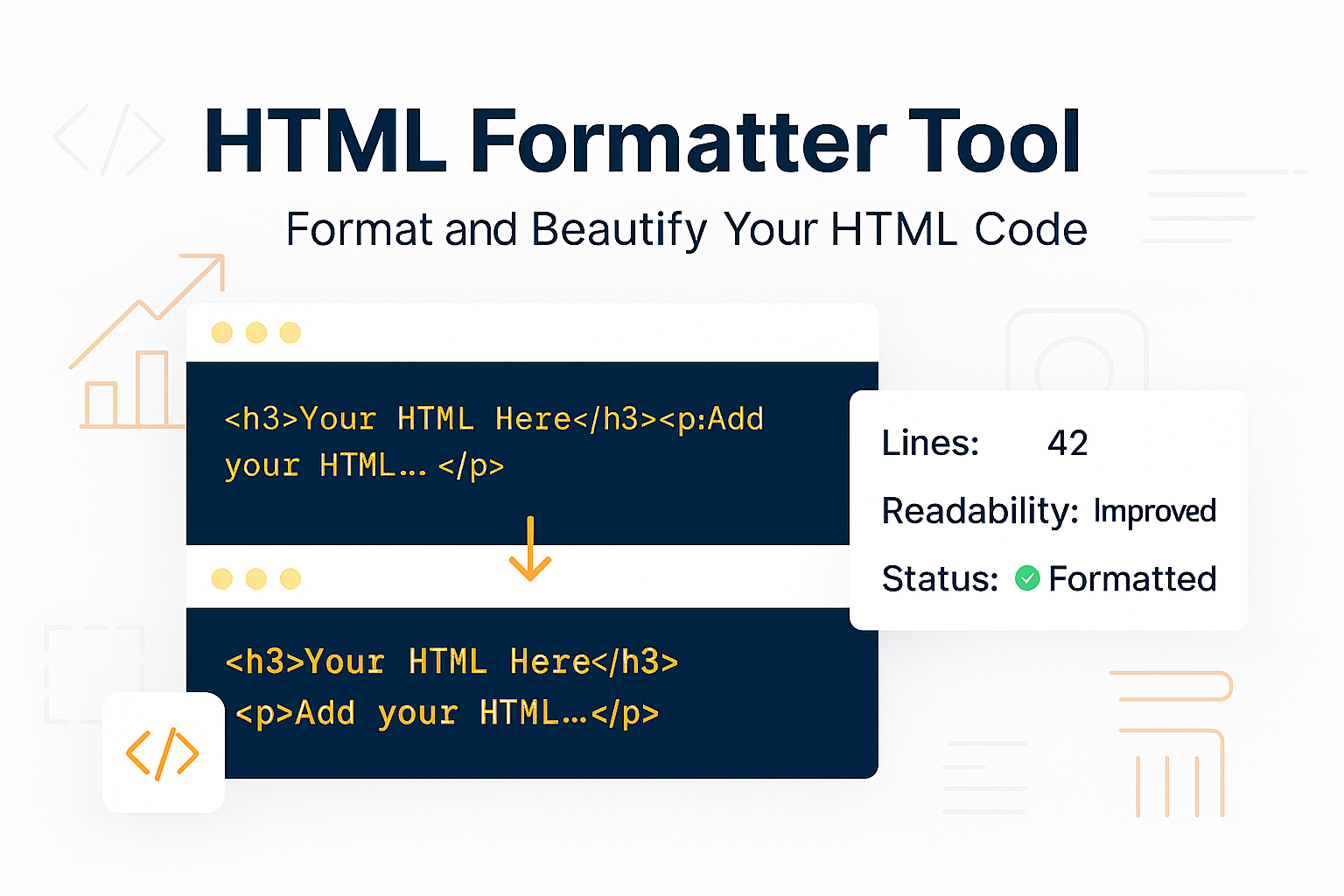
Code is written for machines, but it needs to be *read* by humans. Our free HTML Formatter (also known as a "Beautifier" or "Prettifier") is a simple tool that instantly transforms that messy, compressed HTML back into a clean, beautiful, and perfectly indented format.
This tool makes debugging, learning, and code-sharing infinitely easier by restoring proper structure and readability to any HTML document.
What is an HTML Formatter?
An HTML Formatter takes jumbled, messy, or minified HTML and applies consistent formatting rules to it. It doesn't change what the code *does*, but it changes how it *looks* by adding:
- Line Breaks: Puts each HTML tag on a new, logical line.
- Indentation: Adds "tabs" or spaces to show nested elements (i.e., which tags are inside which).
- Proper Spacing: Cleans up extra spaces to make the code look organized.
It's an essential tool for "un-minifying" code to make it human-readable again.
How to Use Our HTML Formatter & Beautifier
- Step 1: Navigate to our free HTML Formatter.
- Step 2: Copy your messy or minified HTML code and paste it into the input box.
- Step 3: Click the "Format" button.
- Step 4: The tool will instantly provide the clean, perfectly indented HTML in the output box, ready to copy.
Why Format Your HTML? (Key Use Cases)
- Debugging Code: This is the #1 reason. It's impossible to find a missing closing
</div>tag when your entire page is on one line. Formatting instantly reveals the structure and makes finding errors 100x easier. - Learning from Others: Want to see how a website is built? "Viewing source" is a great way to learn, but the code is often minified. You can paste it into this tool to see the clean, properly structured version.
- Un-minifying Production Code: If you've lost the "development" version of a file and only have the "minified" live version, this tool can re-create a readable version for you to work with.
- Code Readability: If you're working on a team, clean code is polite code. It ensures everyone can easily read and understand the project's structure.
Formatter vs. Minifier: What's the Difference?
This tool and our HTML Minifier are opposites, but they work as a team:
- HTML Formatter (This Tool): Makes code readable for Humans. You use this during Development.
- HTML Minifier: Makes code compact for Machines. You use this for your Production (live) site to make it load faster.
Your workflow is: Write clean formatted code -> Minify it for your live site -> If you need to edit it later, use the Formatter to make it readable again.
Frequently Asked Questions (FAQs)
Q: Will this tool fix my broken HTML code?
A: No. This tool is a formatter, not a validator. It will not fix errors like missing closing tags or invalid attributes. It only makes the code you provide look cleaner. If your code is broken before, it will still be broken (but much more readable) after.
Q: Is it free to use?
A: Yes! Our HTML formatter is 100% free with no limits on the amount of code you can beautify.
Q: Do you save or store the code I paste in?
A: No. Your code is processed entirely in your browser. We never send it to our servers, so your data and proprietary code remain private and secure.
Conclusion
Stop squinting at unreadable code. Whether you're debugging a live site, learning from a new template, or just cleaning up a messy file, our HTML Formatter is the fastest way to get a clean, perfectly structured document. Bookmark this page for your development toolkit.
Related Developer Tools:
- HTML Minifier - The opposite of this tool. Compress your HTML for faster site speed.
- CSS Formatter - Beautify your messy CSS stylesheets.
- JS Formatter - Clean up and format unreadable JavaScript code.
- Online HTML Editor - Write and test your HTML, CSS, and JS live in your browser.
Last Updated: October 21, 2025
Contact
Missing something?
Feel free to request missing tools or give some feedback using our contact form.
Contact Us