21
Free Website Status Checker: Is It Down or Just You? (2025)
Is your website down? Instantly check website status with our free tool. See real-time server status, downtime reports, and HTTP status codes. Find out if it's down or just you!
It’s a feeling every internet user knows: you type in a URL, hit Enter, and... nothing. The page won't load. The immediate panic sets in: "Is the website down, or is it just me?"
For website owners, this question is even more terrifying. Downtime costs you visitors, reputation, and revenue. For developers, it can mean a failed deployment. For users, it's just plain frustrating.
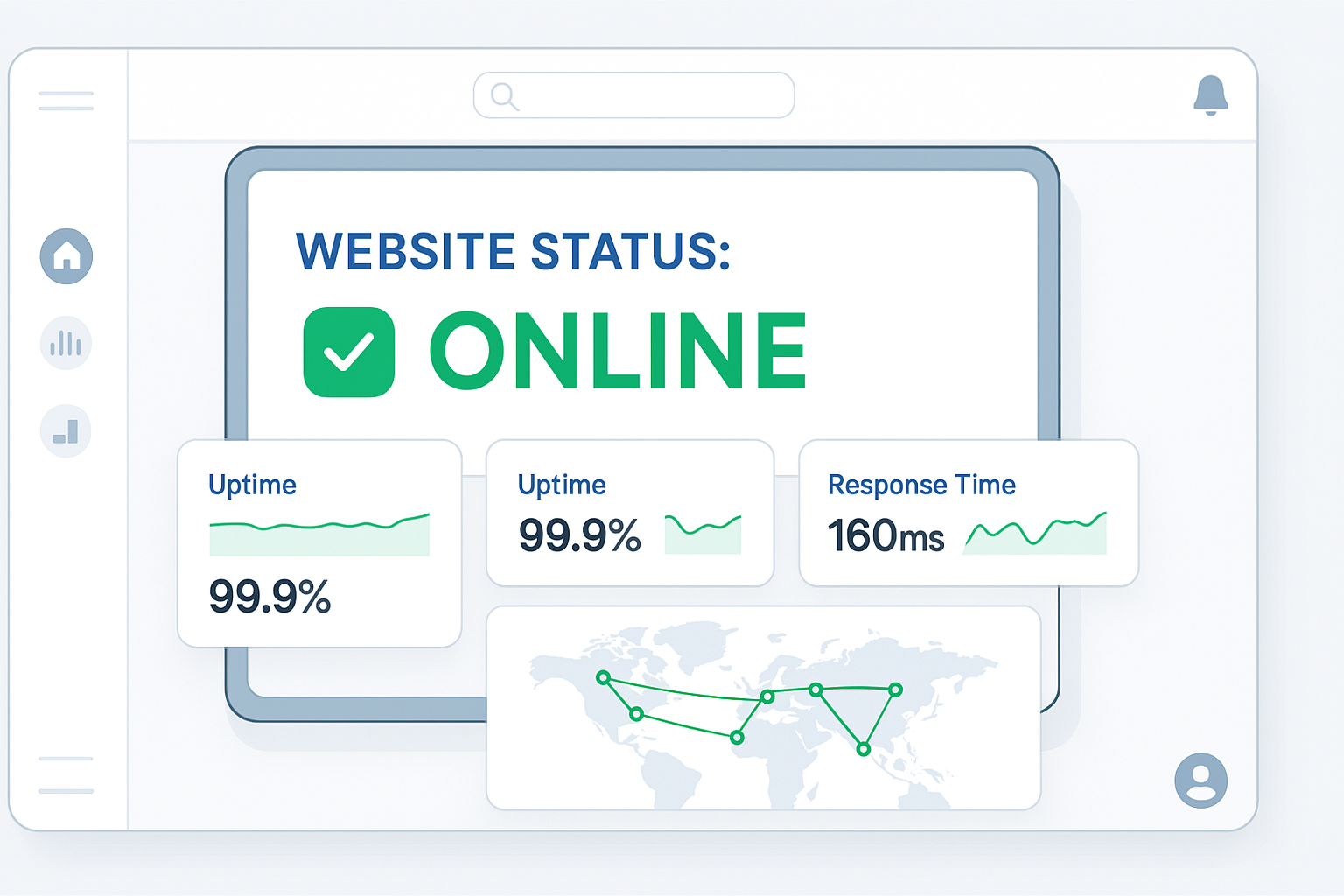
Our free Website Status Checker tool gives you an instant, real-time answer. Instead of asking friends or checking social media, get a definitive result from a neutral, global server. This guide will explain how to use our tool, what the results mean, and what to do when a site is offline.
What is a Website Status Checker?
A Website Status Checker is an online utility that attempts to access a website from a remote server. It sends an HTTP request—the same kind your browser sends—to the site's server to see if it responds correctly.
This is far more reliable than just refreshing your browser. Why? Because your computer could be the problem. Your browser might have a bad cache, your ISP could have a routing issue, or your local network might be down. Our tool bypasses all of that and tests the site directly from the web.
How to Use Our Website Status Checker
Getting your answer takes less than five seconds. No technical knowledge is required.
- Step 1: Navigate to our free Website Status Checker tool.
- Step 2: Enter the full URL of the website you want to test (e.g., https://www.example.com).
- Step 3: Click the "Check Status" button.
- Step 4: Instantly view the results, which will clearly state if the site is "Up" or "Down."
Understanding the Results: What is an HTTP Status Code?
Our tool provides more than just an "Up" or "Down" message. It gives you the server's HTTP Status Code, which explains *why* the site is in its current state. Here are the most common ones you'll see:
- 200 OK: This is the best result! It means the server was reached and it successfully delivered the page. The site is UP.
- 301/302 Redirect: The site is UP, but it's forwarding you to a different URL. This is normal.
- 404 Not Found: The server itself is UP, but the specific page or file you requested doesn't exist. This is a "broken link" error.
- 500 Internal Server Error: The site is DOWN. The server was reached, but it encountered a fatal error (like a code crash or database failure) and couldn't load the page.
- 503 Service Unavailable: The site is DOWN. This usually means the server is overloaded with too much traffic or is temporarily down for maintenance.
For a more detailed analysis, you can use our dedicated HTTP Status Code Checker tool.
"Is It Down or Is It Just Me?" - A Simple Guide
So, your site won't load. Here’s the definitive 3-step process to find out where the problem is.
Step 1: Use Our Website Status Checker
This is your first and most important step. Enter the URL in our tool. It checks from a stable, external location, giving you an unbiased answer.
Step 2: If the Tool Says "UP" (It's Just You)
If our tool can reach the site but you can't, the problem is on your end. Try these fixes in order:
- Clear Your Browser Cache: Your browser might be holding an old, broken version of the site.
- Try Incognito Mode: This bypasses cache and extensions that might be blocking the site.
- Test Your Connection: Can you reach other sites like Google? If not, the problem is your internet. You can also use our Ping Tool to test your connection's latency.
- Flush Your DNS: Your computer might have a bad DNS record. You can also check the site's official records with our DNS Lookup tool.
Step 3: If the Tool Says "DOWN" (It's Not You)
If our tool confirms the site is down, it's offline for everyone. There is nothing you can do on your end to fix it.
- If it's your website: Contact your hosting provider immediately! Check your deployment logs and error files.
- If it's someone else's website: All you can do is wait for them to fix it.
Common Reasons a Website Goes Down
Downtime can be caused by many different factors, from simple errors to major attacks.
- Hosting Server Issues: The physical server where the site's files are stored may have crashed or been taken offline for maintenance.
- Software or Code Errors: A recent update or bad code deployment (like a bug in a WordPress plugin) can crash the entire site.
- Expired Domain or SSL Certificate: If a domain name isn't renewed, it stops working. If an SSL certificate expires, browsers will show a security warning, effectively blocking users. You can check any site's certificate with our SSL Checker.
- DDoS Attack: A "Distributed Denial of Service" attack floods the server with fake traffic, overwhelming it and knocking it offline.
- High Traffic Spike: Sometimes, good news is bad news. If a site goes viral, the sudden flood of real visitors can overload the server, causing it to crash (like a 503 error).
Frequently Asked Questions (FAQs)
Q: Is this website status checker tool really free?
A: Yes! Our tool is 100% free to use, with no limits or registration required. You can check as many websites as you need.
Q: How accurate is this "is it down" checker?
A: Our tool is highly accurate. It performs a real-time check every time you click the button, so you're not seeing a cached result. It's one of the fastest ways to get a reliable answer.
Q: What's the difference between this and a Ping test?
A: This is an excellent question.
- A Ping Tool checks if a server is reachable on the network (using ICMP).
- A Website Status Checker checks if the website service is running (using HTTP).
It's possible for a server to be "Up" on a Ping test but "Down" on a status check (e.g., if the server is on but the web software has crashed). Our status checker gives you a more accurate "is the *website* working" answer.
Conclusion: Never Guess About Downtime Again
Stop wasting time troubleshooting your own computer when you don't have to. Our free Website Status Checker is the fastest and easiest way to find out if a website is offline for everyone or just you.
Bookmark this page and make it your first stop the next time a website won't load. Get a clear, instant answer and get on with your day.
Check a Website's Status for Free
Related Tools You Might Find Useful:
- Ping Tool - Test your network latency and server response time.
- HTTP Status Code Checker - Get detailed HTTP headers and status codes from any URL.
- DNS Lookup - See the official DNS records for any domain.
- SSL Checker - Validate a website's SSL certificate and check its expiry date.
- IP Information - Get detailed geographic and network information about any IP address.
Last Updated: October 21, 2025
Contact
Missing something?
Feel free to request missing tools or give some feedback using our contact form.
Contact Us