22
Free QR Code Generator: Create Custom QR Codes Online (2025)
Instantly generate free, custom QR codes for URLs, text, Wi-Fi, email, or contact info (vCard). Our online QR code maker is fast, free, and creates high-quality codes for print or web.
QR codes (or "Quick Response" codes) have become a powerful bridge between the physical and digital worlds. You see them on restaurant menus, business cards, product packaging, and event posters. They are the fastest way to send someone from a real-world object to a digital destination.
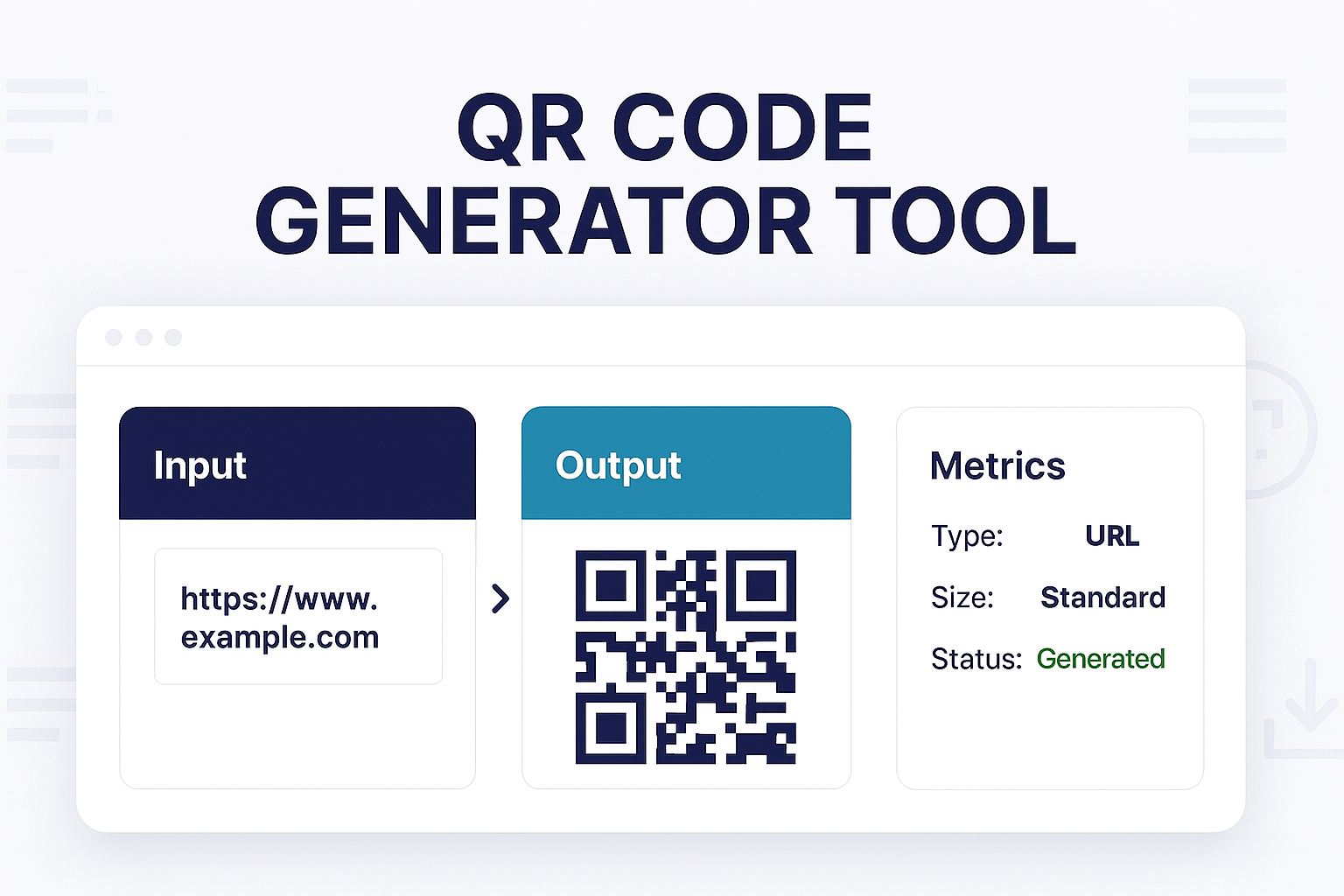
But how are they made? Our free QR Code Generator is a simple, powerful tool that lets *anyone* create a custom, high-quality QR code in seconds. There's no software to download and no sign-up required.
You can instantly create codes for your website, your Wi-Fi network, a plain text message, your contact details (vCard), and much more. It's the perfect tool for marketers, small business owners, and anyone who wants to share information quickly.
How to Use Our QR Code Generator
Creating your own QR code is incredibly simple:
- Step 1: Navigate to our free QR Code Generator.
- Step 2: Select the type of content you want your QR code to link to (e.g., URL, Text, Wi-Fi, vCard, Email).
- Step 3: Fill in the required fields (e.g., paste your website URL or enter your Wi-Fi network name and password).
- Step 4: Click the "Generate" button. Your custom QR code will appear instantly.
- Step 5: Download your code as a high-quality
.pngfile, ready for print or web.
What Can You Make a QR Code For?
Our generator is an all-in-one tool. Here are just a few ideas:
- URL: The most common use. Send people directly to your website, a landing page, a social media profile, or a video.
- Wi-Fi: The easiest way to share your Wi-Fi. Friends can just scan the code to automatically log into your network—no more typing complex passwords.
- vCard (Contact Card): Put this on your business card. When someone scans it, your phone number, email, and website are instantly added to their contacts.
- Text: Embed a simple text message, a secret code, or an event-day instruction.
- Email: Create a "Mail To" link. When scanned, it opens the user's email app with your address, a subject line, and even a message pre-filled.
Why Use a QR Code?
- Instant Access: It's the fastest way to link the physical world to a digital page.
- Touch-Free: Perfect for menus, payments, and public information.
- Marketing & Analytics: Use them in your marketing campaigns (on flyers, posters, etc.) to track how many people scan your code and visit your site.
- Professionalism: Adding a vCard QR to your business card or a URL QR to a presentation looks modern and tech-savvy.
Frequently Asked Questions (FAQs)
Q: Is this QR code generator really free?
A: Yes! Our tool is 100% free to use, and your generated QR codes are yours to keep. They do not expire and have no scan limits.
Q: Can I use these QR codes for my business?
A: Absolutely. The "static" QR codes you generate are perfect for business use. You can print them on menus, business cards, flyers, and any other marketing material.
Q: What's the difference between a "static" and "dynamic" QR code?
A: Our tool generates static QR codes. This means the destination (e.g., your website URL) is locked into the code permanently. If your URL changes, you must create a new QR code.
"Dynamic" QR codes (which require a paid service) point to a special, intermediate URL. This allows you to *change* the final destination of the QR code later, even after it's been printed. For most simple uses, a static code is all you need.
Q: How do I scan a QR code?
A: Just open the camera app on any modern smartphone (iPhone or Android). Point it at the QR code, and a notification will pop up for you to tap.
Conclusion
From sharing your Wi-Fi password to launching a major marketing campaign, our free QR Code Generator is the simplest way to create and share information. Generate your first code in seconds and connect your physical audience to your digital content.
Try Our Free QR Code Generator
Related Tools You Might Find Useful:
- QR Code Reader - The opposite of this tool. Upload an image of a QR code to see where it leads.
- URL Encoder - If your URL has special characters, encode it before generating your QR code.
- Text to Slug - Create a clean, SEO-friendly URL for your landing page.
- Image Compressor - If you're adding your downloaded QR code to a webpage, compress it first!
Last Updated: October 22, 2025
Contact
Missing something?
Feel free to request missing tools or give some feedback using our contact form.
Contact Us