21
Free CSS Minifier: Online Tool to Compress & Minify CSS (2025)
Minify your CSS code instantly. Our free online CSS minifier removes unnecessary characters, spaces, and comments to reduce file size, fix render-blocking issues, and improve your page load speed.
If HTML is your website's "skeleton," then CSS (Cascading Style Sheets) is its "skin." It handles all the design, layout, and colors. But just like HTML, your CSS files can get bloated with comments, spaces, and line breaks, making the file much larger than it needs to be.
Large CSS files are particularly bad for performance because they are "render-blocking." This means a browser won't show any content to the user until it has finished downloading and "reading" the CSS file. Our free CSS Minifier is a simple tool that solves this problem.
It instantly strips all unnecessary characters from your CSS code, dramatically reducing its file size. This leads to faster downloads, quicker rendering, and a significant boost to your site's overall speed and Core Web Vital scores.
What is CSS Minification?
CSS Minification is the process of removing all characters from a CSS file that are not required for it to work. This includes:
- White spaces and line breaks
- CSS comments (
/* ... */) - The last semicolon in a declaration block
It turns your well-commented, human-readable stylesheet into a compact, single-line file optimized for browsers to download and parse as quickly as possible.
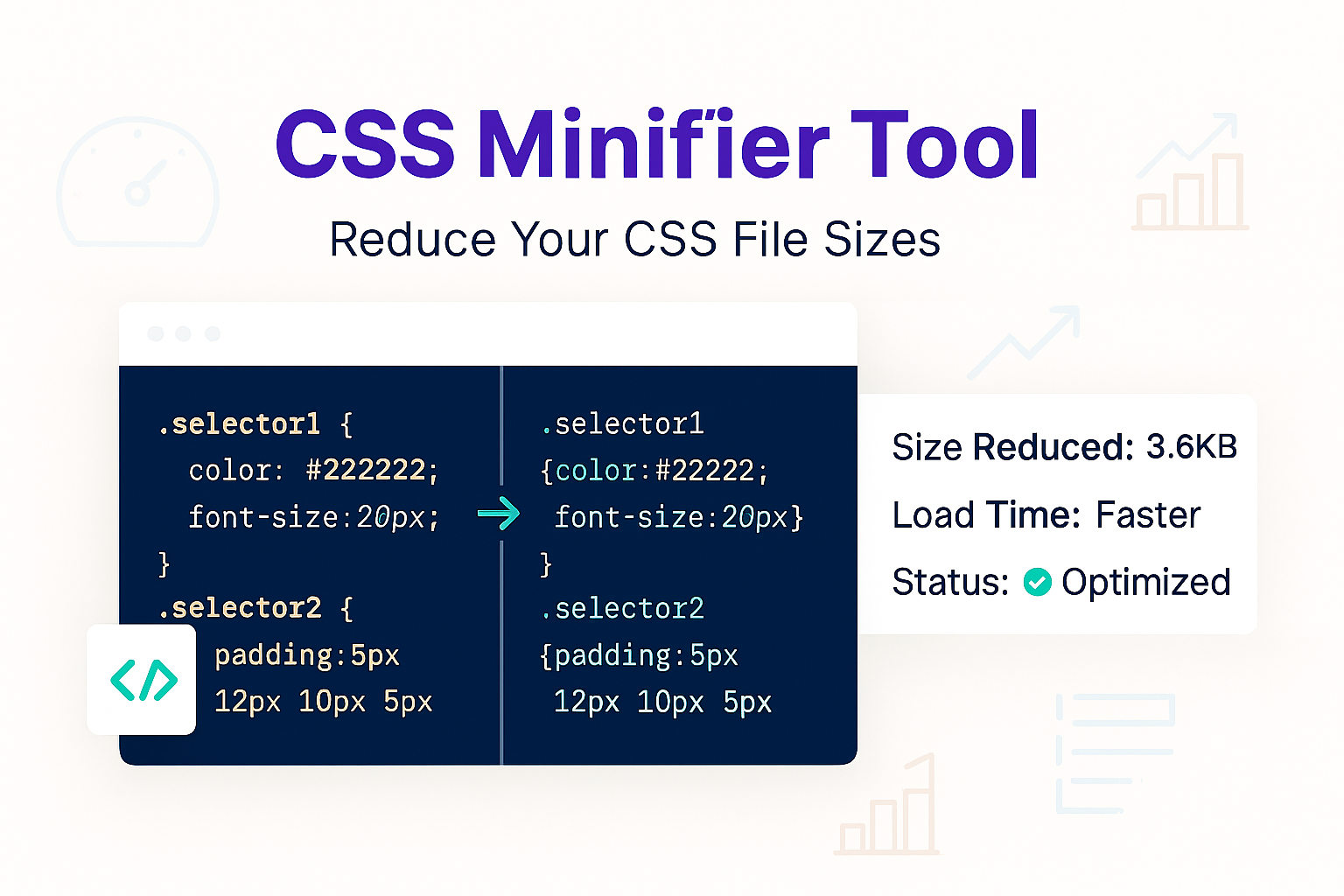
For example, this human-readable CSS:
/* --- Main Button Style --- */
.my-button {
  color: white;
  background-color: blue;
  padding: 15px;
}
...becomes this minified CSS:
.my-button{color:#fff;background-color:blue;padding:15px}Both styles render identically, but the minified version is significantly smaller and faster.
How to Use Our CSS Minifier
- Step 1: Navigate to our free CSS Minifier.
- Step 2: Paste your un-minified CSS code into the input box.
- Step 3: Click the "Minify" button.
- Step 4: The tool will instantly provide the compressed CSS code in the output box, ready to copy and save as your new
.cssfile.
Why Minify Your CSS? The Benefits
- Faster Page Rendering: This is the most critical benefit. By shrinking the "render-blocking" CSS file, the browser can start displaying your page's content much faster. This directly improves FCP (First Contentful Paint).
- Improved Core Web Vitals: Page speed is a key Google ranking factor. Minifying CSS, HTML, and JS is a foundational step to getting good Core Web Vital scores. * Reduced HTTP Requests (if combined): For best results, you should first combine all your separate
- Lower Bandwidth Usage: Smaller files mean less data transfer, which can save you money on hosting costs for high-traffic websites.
.css files into one, and *then* minify it. This reduces the number of round-trips the browser has to make to your server.
Minifier vs. Formatter
It's important to understand the difference. These tools are opposites, but you need both in your toolkit.
- Minification (This Tool): Makes code smaller for machines/browsers. Use this for your "production" or live website.
- Formatting: Makes code prettier and more readable for humans/developers. If you have a minified file you can't read, use our CSS Formatter to make it readable again.
Frequently Asked Questions (FAQs)
Q: Is it safe to minify my CSS?
A: Yes, it is very safe. Our minifier only removes non-essential characters. It will not change your style logic, property names, or values. As always, you should test the new minified file on a development site before pushing it to your live site.
Q: Should I also minify my HTML and JavaScript?
A: 100% yes. Your CSS is just one of three "languages" your browser has to download. For maximum speed, you should minify all of them.
Q: What's the difference between minification and Gzip?
A: They are a team!
1. Minification: You do this to your file *first*, removing unnecessary characters.
2. Gzip: This is a compression your *server* does to the file before sending it to the user.
By minifying your CSS *first*, you give the Gzip algorithm a cleaner, smaller file to work with, resulting in the smallest possible size and fastest download.
Conclusion
Don't let bloated stylesheets slow your website down. Minifying your CSS is a fundamental, "best practice" optimization that improves performance, user experience, and your SEO rankings. Compress your CSS in seconds with our free tool.
Related Developer Tools:
- CSS Formatter - The opposite of this tool. Un-minify your CSS to make it readable.
- HTML Minifier - Compress your HTML code.
- JS Minifier - Compress your JavaScript files for faster script loading.
- Gzip Test - Check if your server is properly compressing your files.
Last Updated: October 21, 2025
Contact
Missing something?
Feel free to request missing tools or give some feedback using our contact form.
Contact Us