22
Free Base64 to Text Decoder: Online Base64 Decoder (2025)
Instantly decode a Base64 string back into human-readable text. Our free online Base64 decoder converts any Base64-encoded string to plain text (ASCII/UTF-8). Perfect for developers.
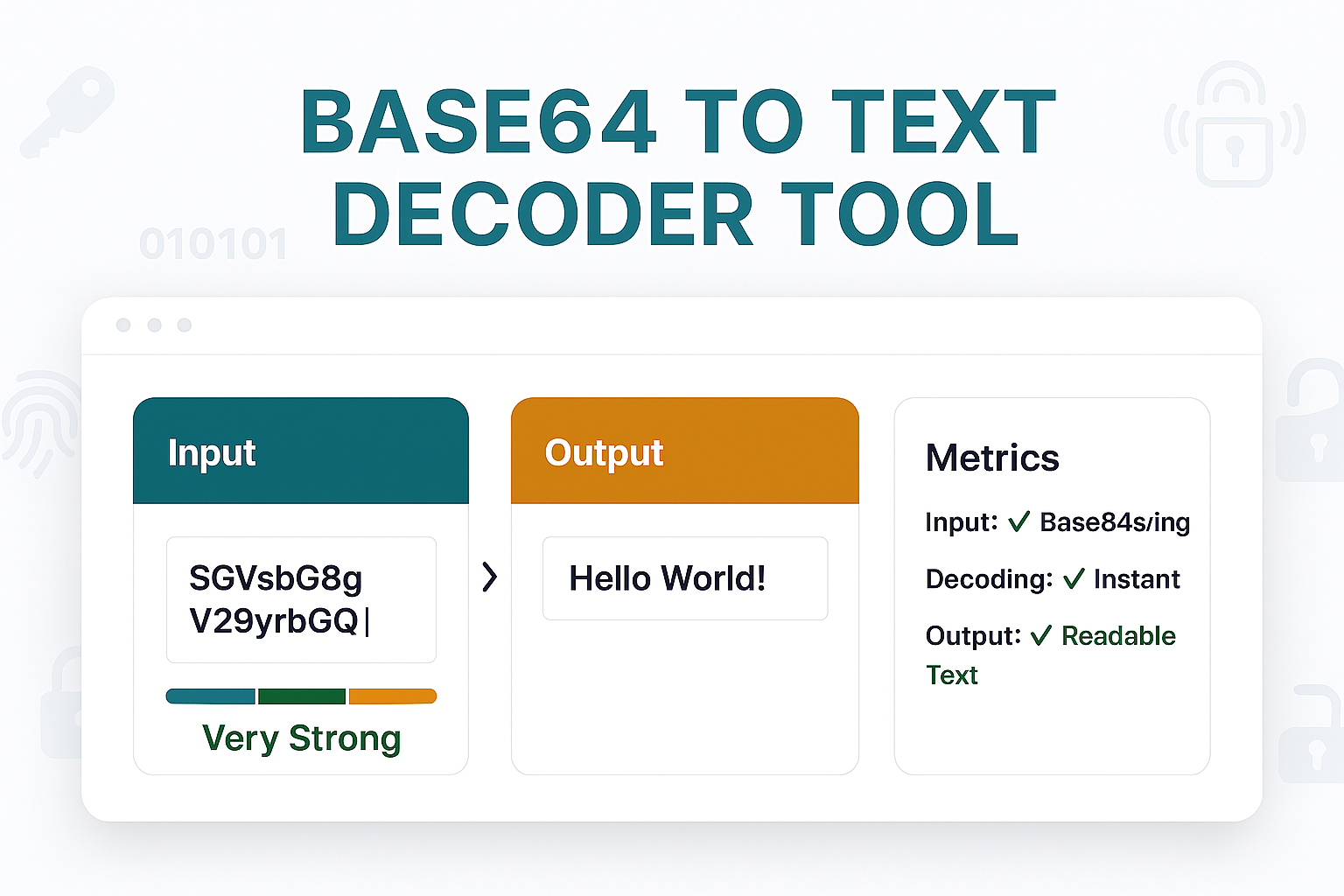
You've seen them in API responses, email source code, or data files: long, seemingly random strings of letters and numbers like SGVsbG8gV29ybGQh. That isn't junk data or encryption—it's **Base64**. It's a common method for encoding binary data into plain, safe text.
But what does it *say*? Our free Base64 to Text Decoder is a simple tool that instantly translates that encoded string back into its original, human-readable form. It's the "decoder ring" for one of the web's most common encoding formats.
This tool is essential for developers debugging API calls, programmers handling text data, or anyone who receives a Base64 string and needs to see the original message hidden inside.
How to Use Our Base64 to Text Decoder
Translating an encoded string back to text takes only a second.
- Step 1: Navigate to our free Base64 to Text Decoder.
- Step 2: Copy your Base64 encoded string (e.g.,
SGVsbG8gV29ybGQh) and paste it into the input box. - Step 3: Click the "Decode" button.
- Step 4: The tool will instantly provide the original, human-readable text in the output box. (For example,
SGVsbG8gV29ybGQhwill decode toHello World!).
What Is Base64 Encoding? (And Why Is It Used?)
Base64 is a method for converting binary data (like an image, or even plain text) into a "web-safe" set of 64 ASCII characters. These characters (A-Z, a-z, 0-9, +, /, and =) can be safely sent over systems that are designed to only handle plain text.
It is *not* encryption. It is *encoding*.
- Encoding (Base64): This is for data integrity and transport. It's not secret; it's just a different format. Anyone (like this tool) can decode it.
- Encryption: This is for security. You need a secret key or password to decrypt the data.
Base64 is used everywhere, from embedding images into HTML/CSS to sending attachments in emails.
Decoder vs. Encoder
This tool and its companion, the Text to Base64 Encoder, perform opposite actions:
- Base64 to Text (This Tool): Takes an encoded string and makes it human-readable. (e.g.,
SGVsbG8=→Hello). - Text to Base64: Takes human-readable text and makes it machine-safe for transport. (e.g.,
Hello→SGVsbG8=).
Frequently Asked Questions (FAQs)
Q: Why does my decoded text still look like gibberish?
A: This usually means the original data *wasn't* plain text. The Base64 string you decoded might have been an image file, a zip file, or a program. Your browser is trying to display that binary data *as text*, which looks like nonsense. This tool is for decoding Base64 strings that were *originally* text.
Q: Is this Base64 decoder free?
A: Yes! Our tool is 100% free with no limits on how much data you can decode.
Q: What's the difference between Base64 and URL Encoding?
A: They solve different problems. URL Encoding (which uses %) is *only* for making text safe to be part of a URL. Base64 is for representing *any* data (including binary) as a plain text string that can be sent in an email, an API, or embedded in a file.
Conclusion
Stop guessing what an encoded string means. Our free Base64 to Text Decoder instantly pulls back the curtain, revealing the plain text hidden inside any Base64 string. It's the fastest way to debug, analyze, or simply understand encoded data.
Related Encoding & Text Tools:
- Text to Base64 - The opposite of this tool. Encode text into Base64.
- Image to Base64 - A specialized tool to encode images, not just text.
- URL Decoder - Decode a different type of encoding (%20, %26, etc.).
- Binary to Text - Convert binary (0s and 1s) back into text.
Last Updated: October 22, 2025
Contact
Missing something?
Feel free to request missing tools or give some feedback using our contact form.
Contact Us